One layout, twelve session types
Pick your session type and the packages rewrite themselves — the tiers, the prices and every inclusion, written for that genre rather than filled with lorem. Then rename the tiers and set your own numbers. Every word on the page is editable.
The prices shown are working defaults, not advice. They are there so the page reads like a real price list while you edit it — put your own numbers in before you send it.
Session types · three tiers · digital only
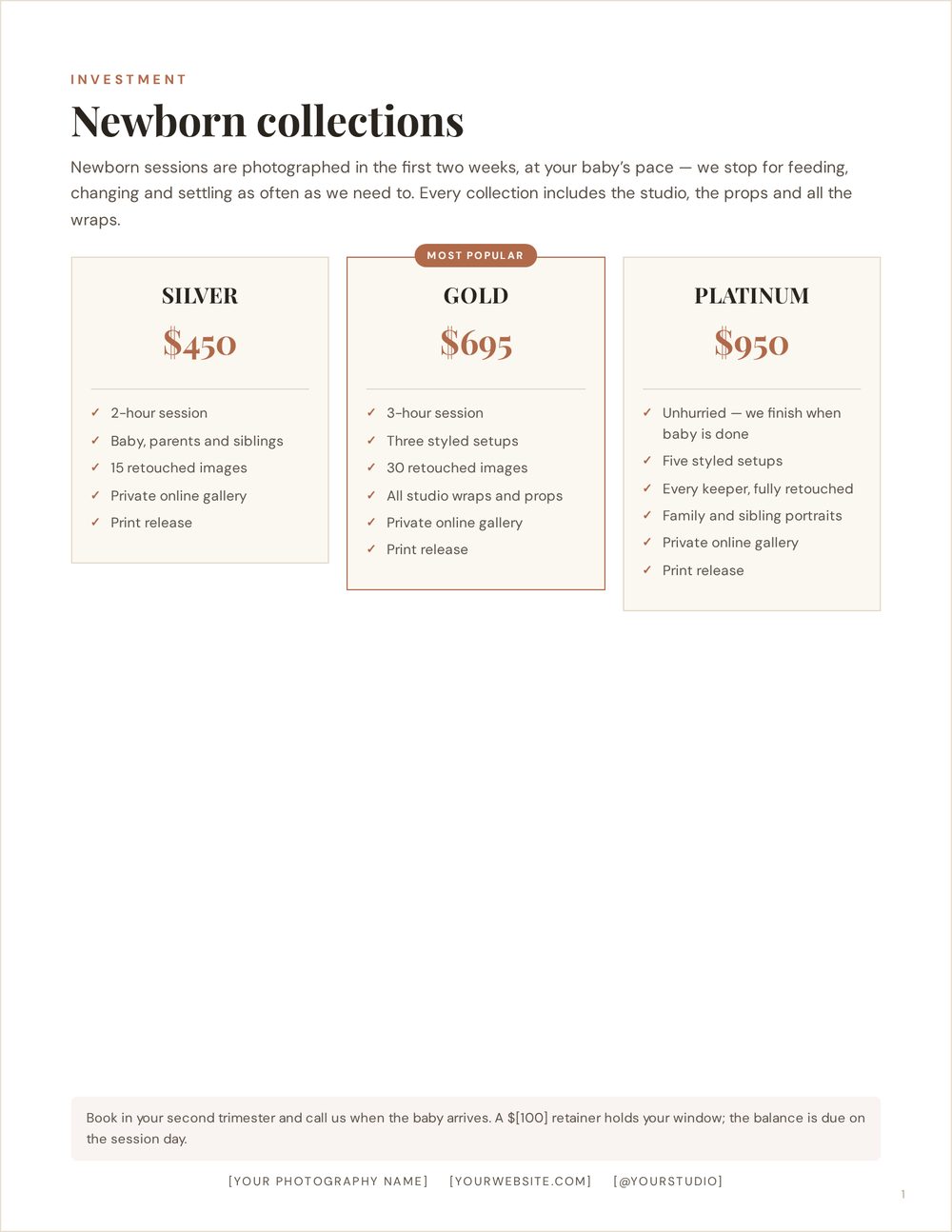
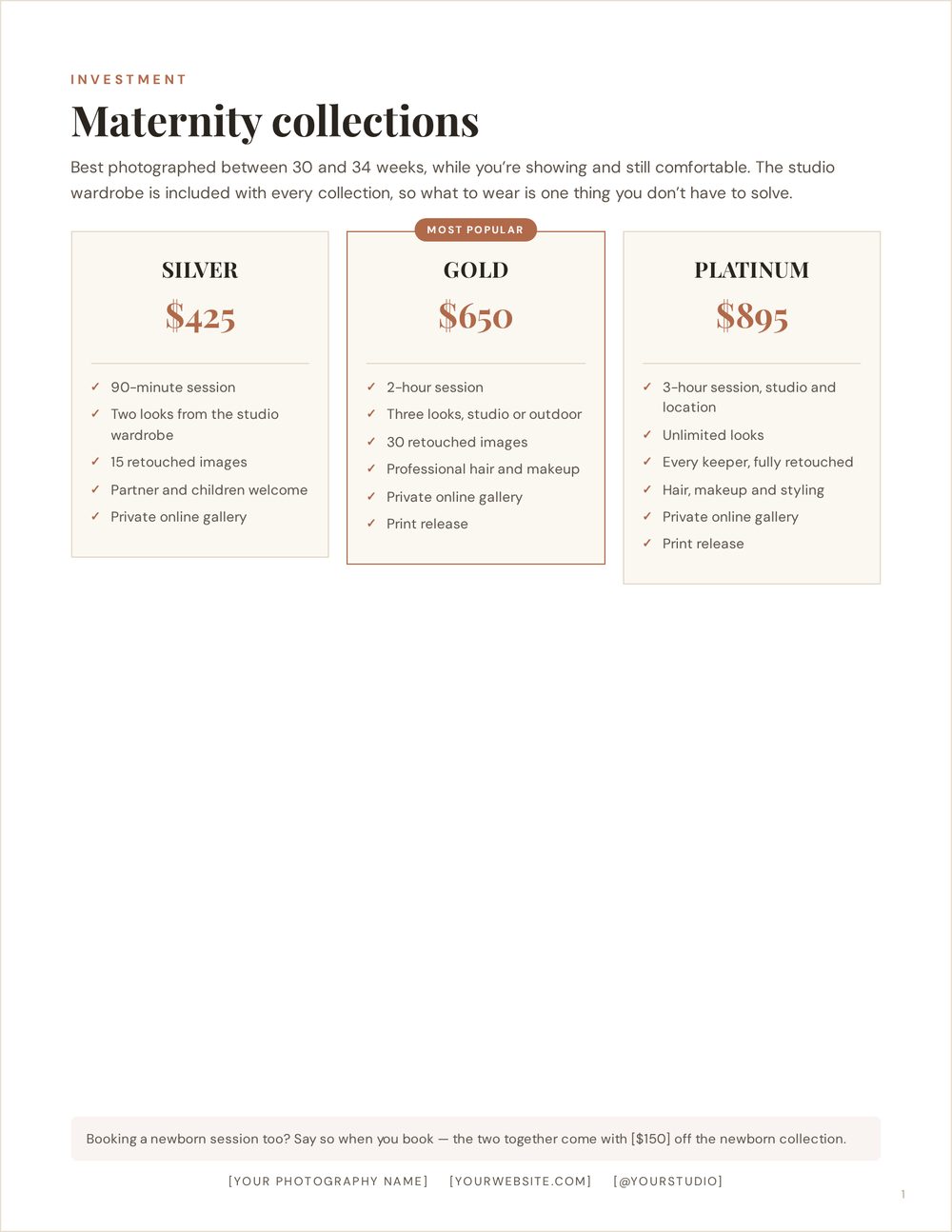
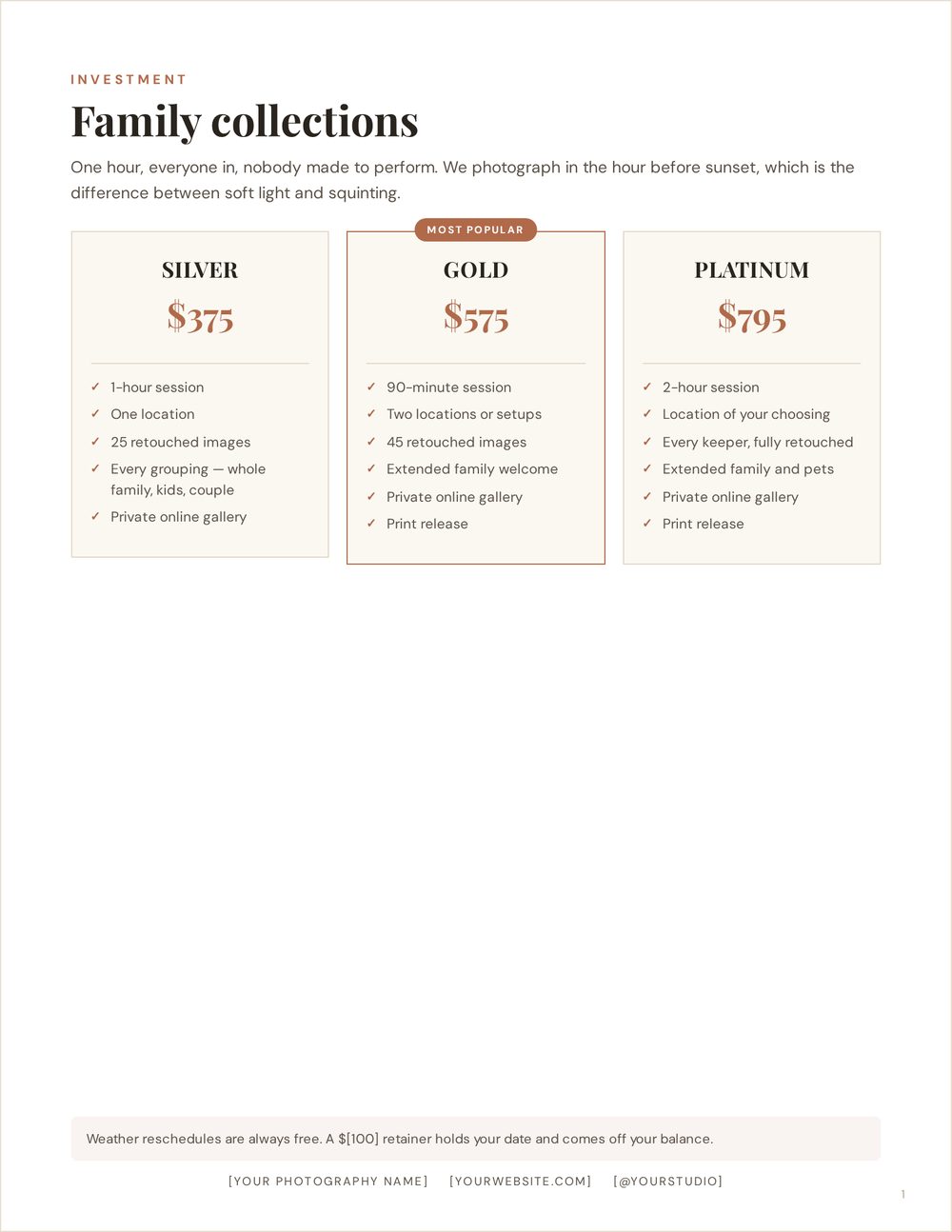
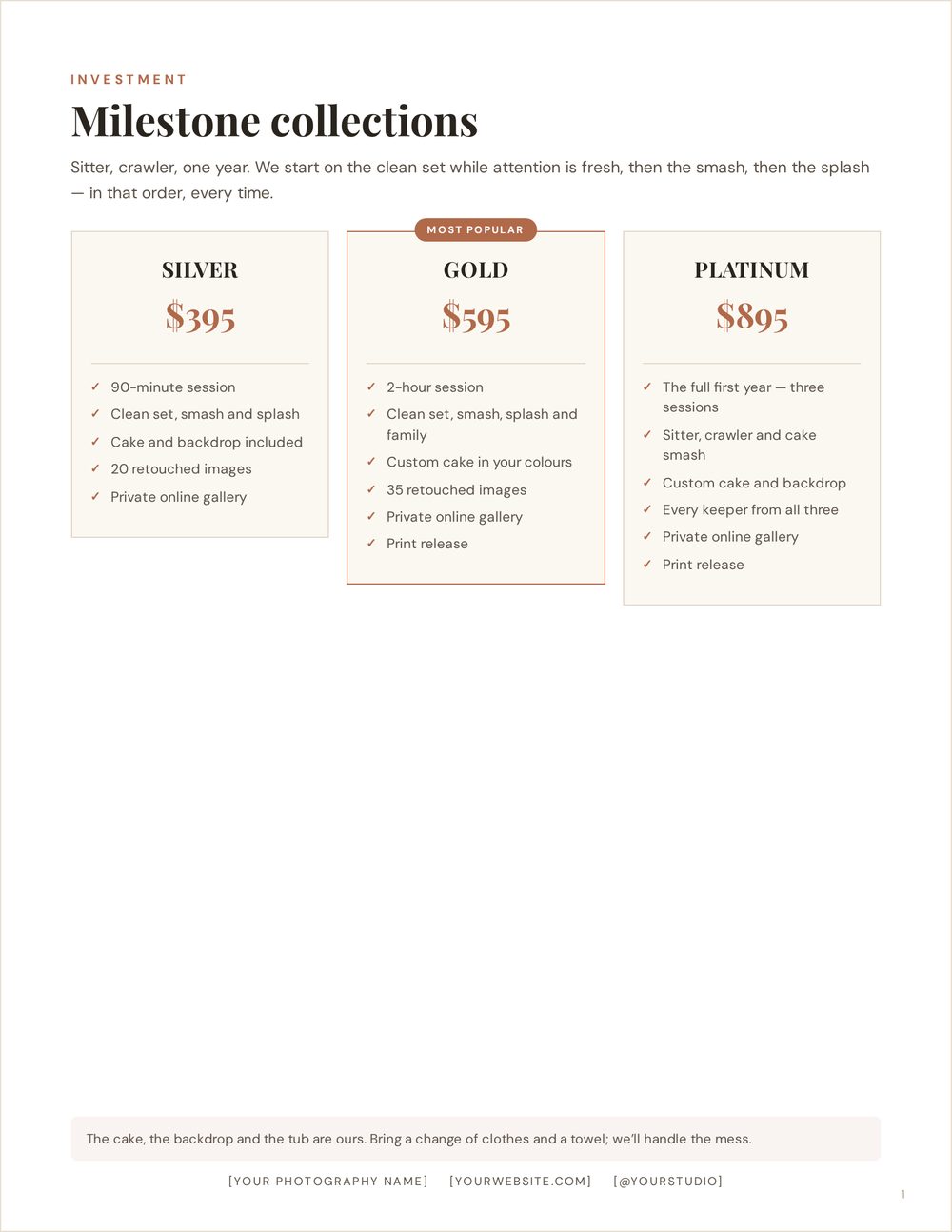
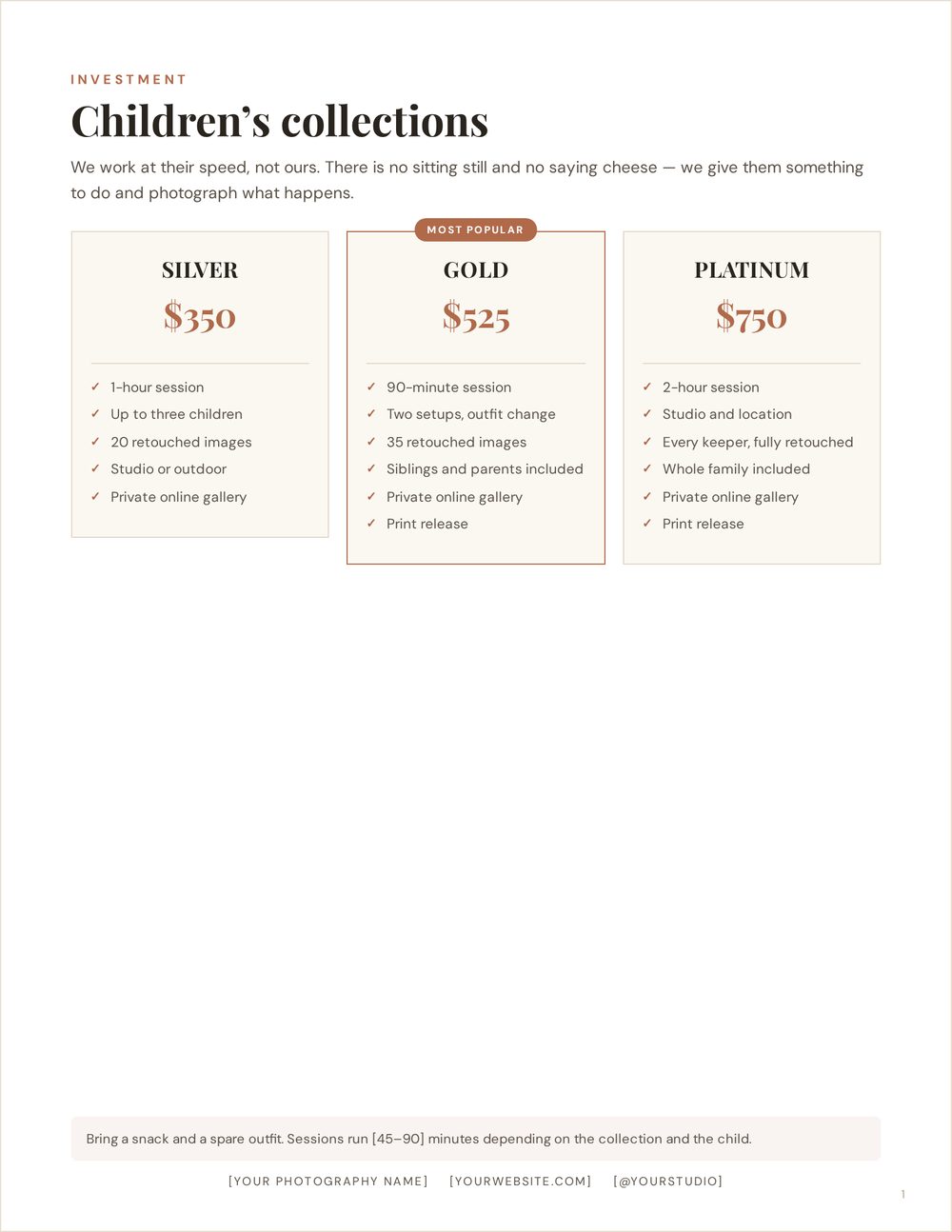
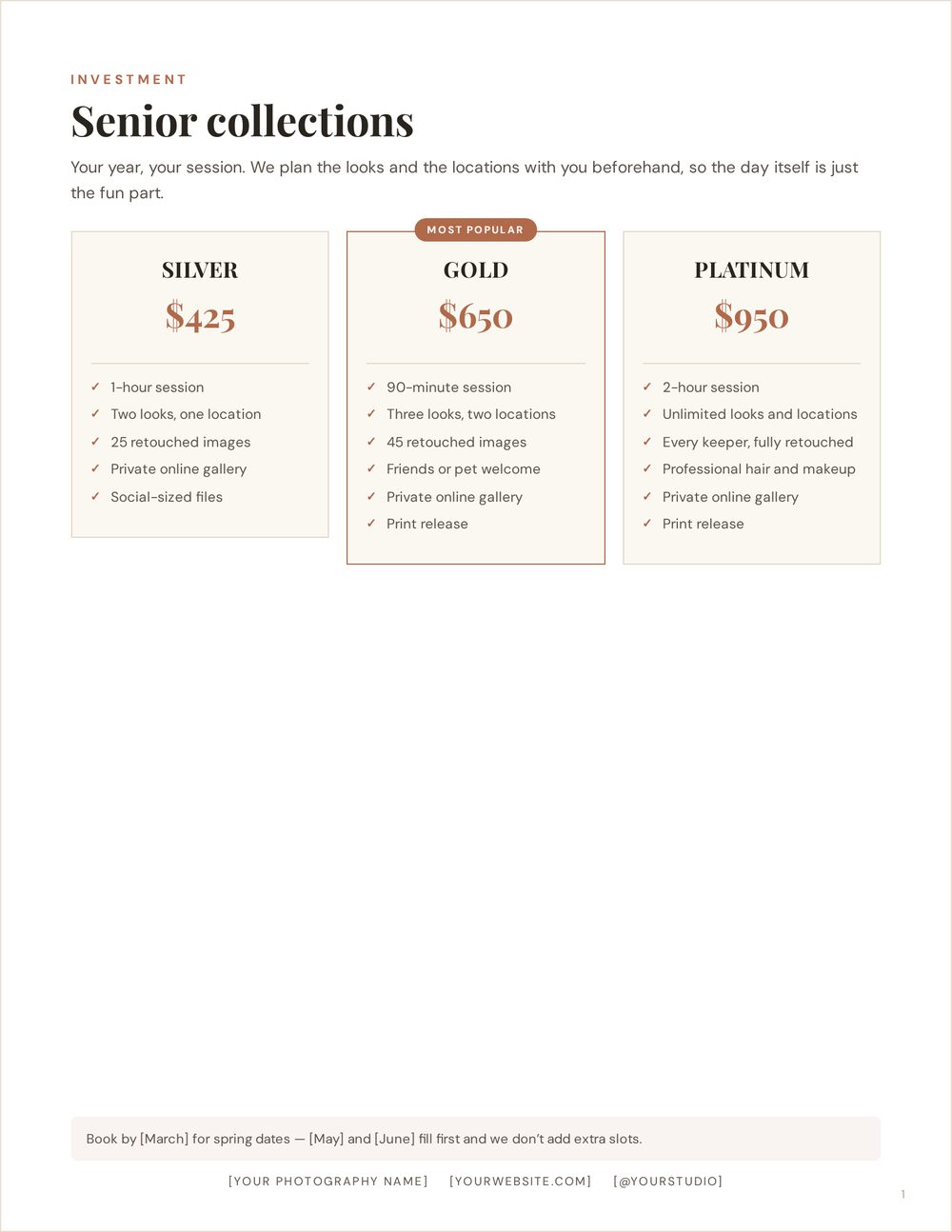
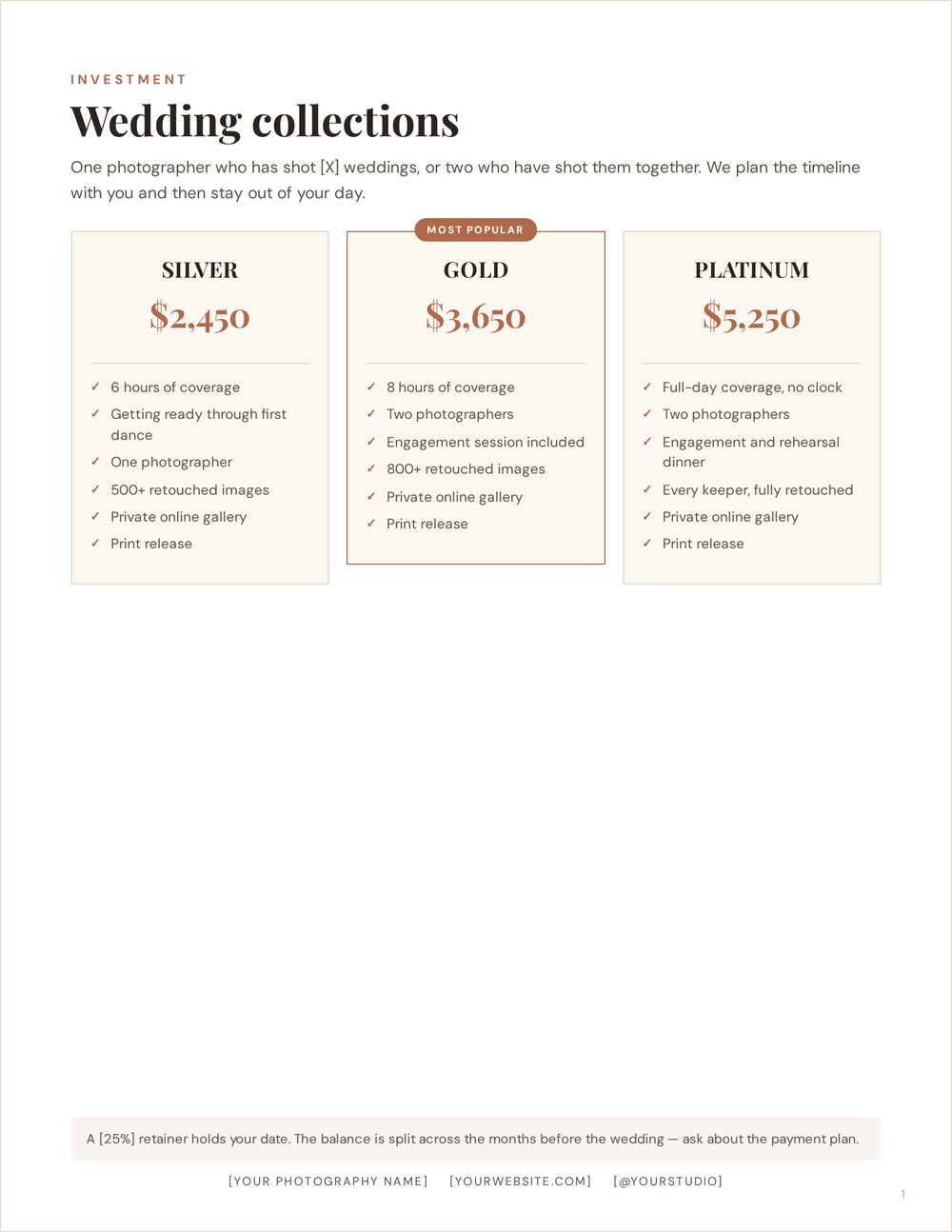
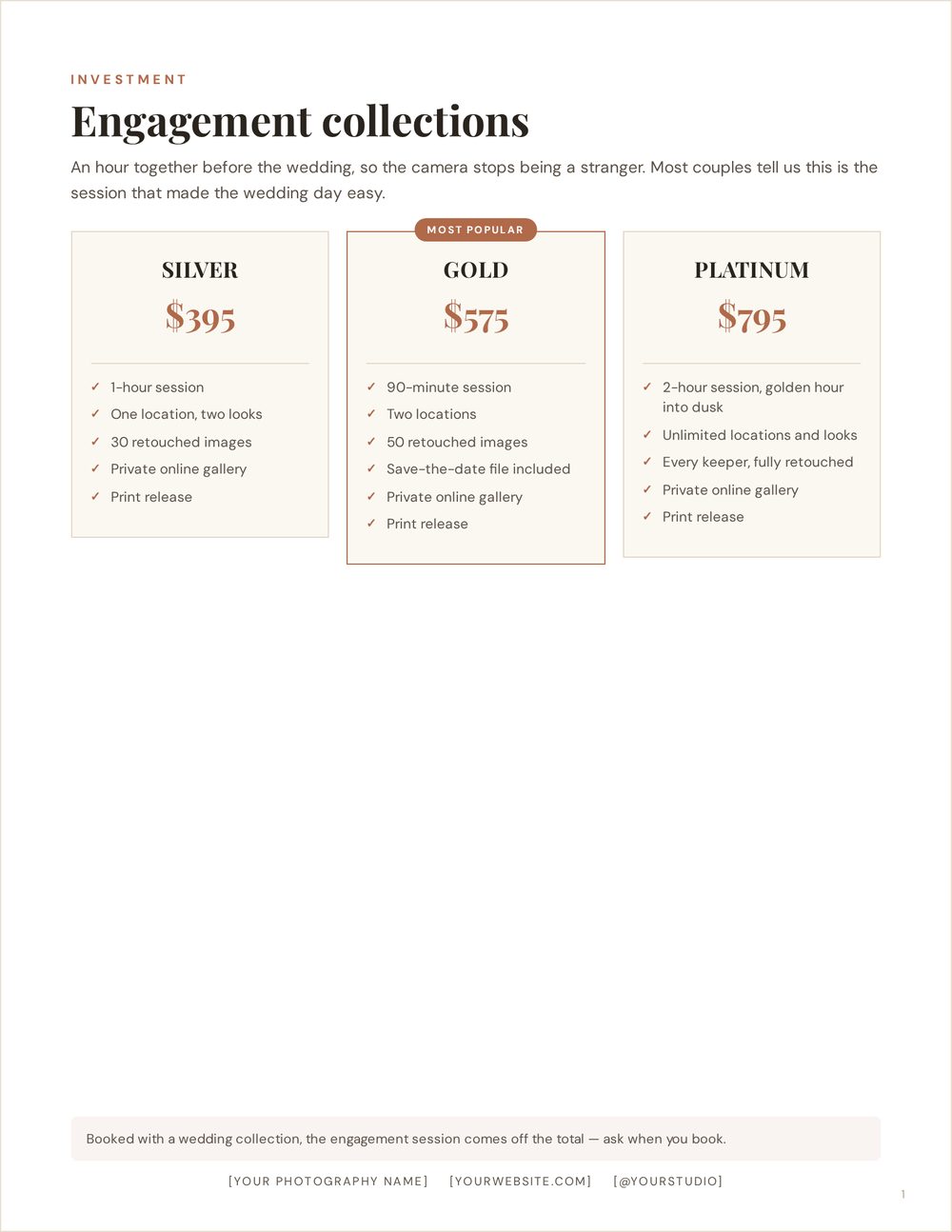
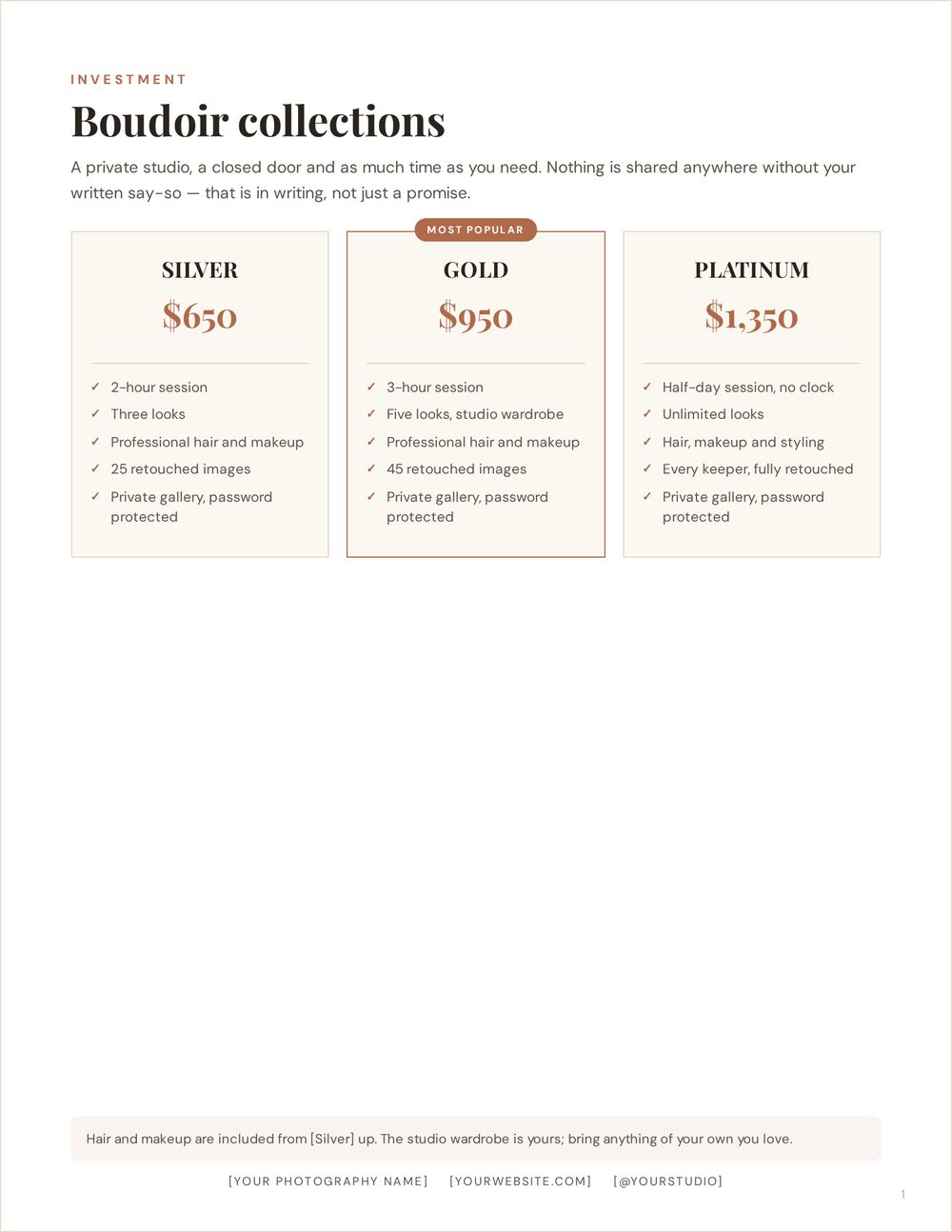
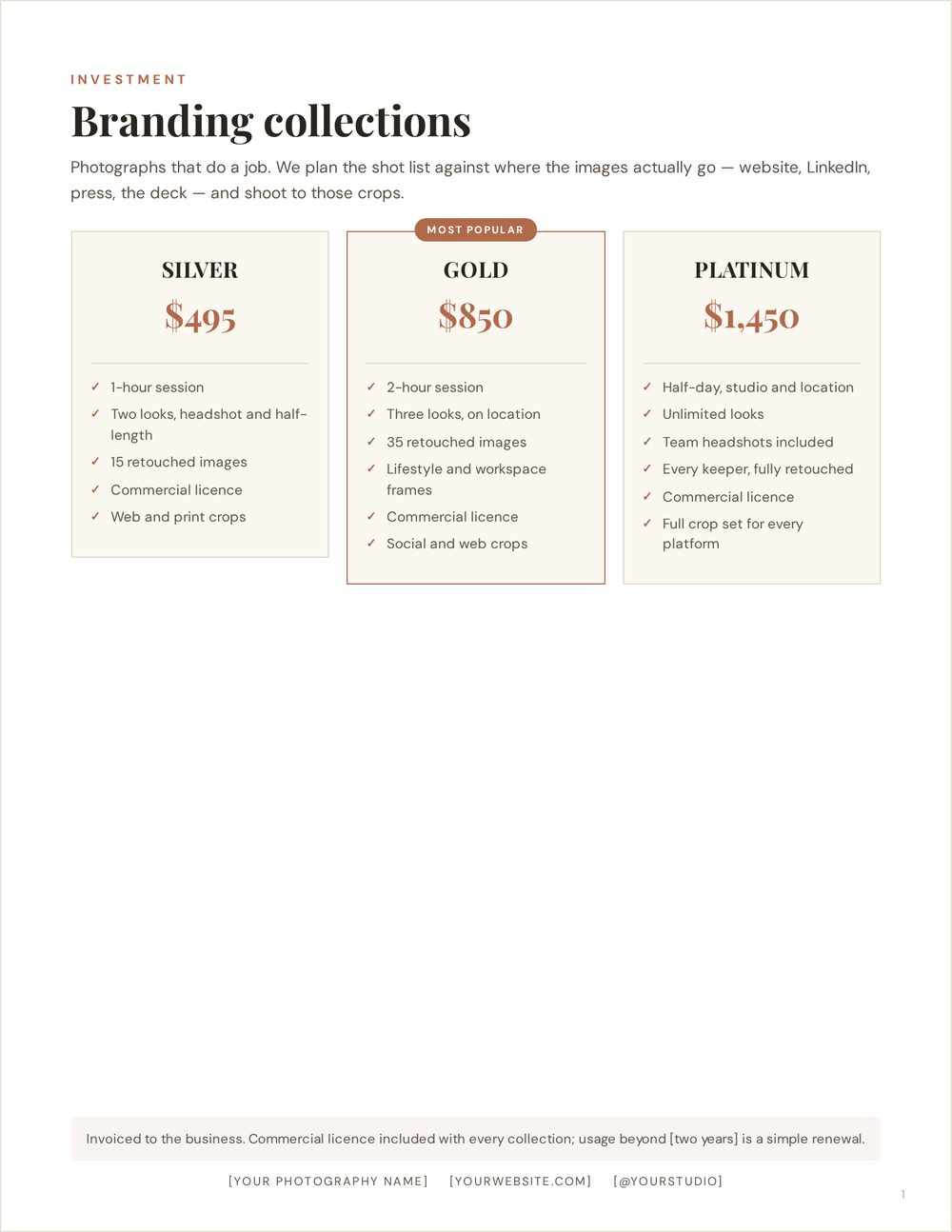
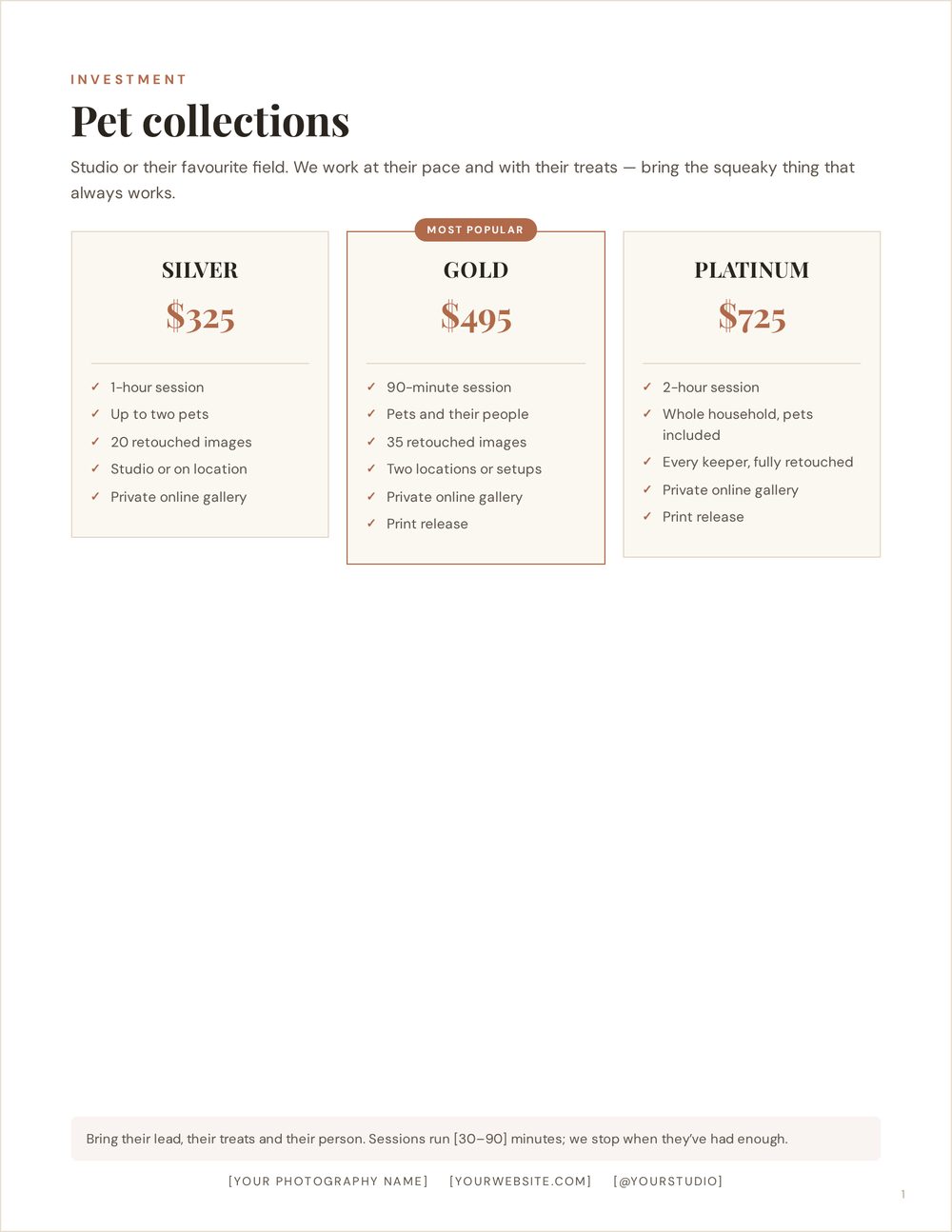
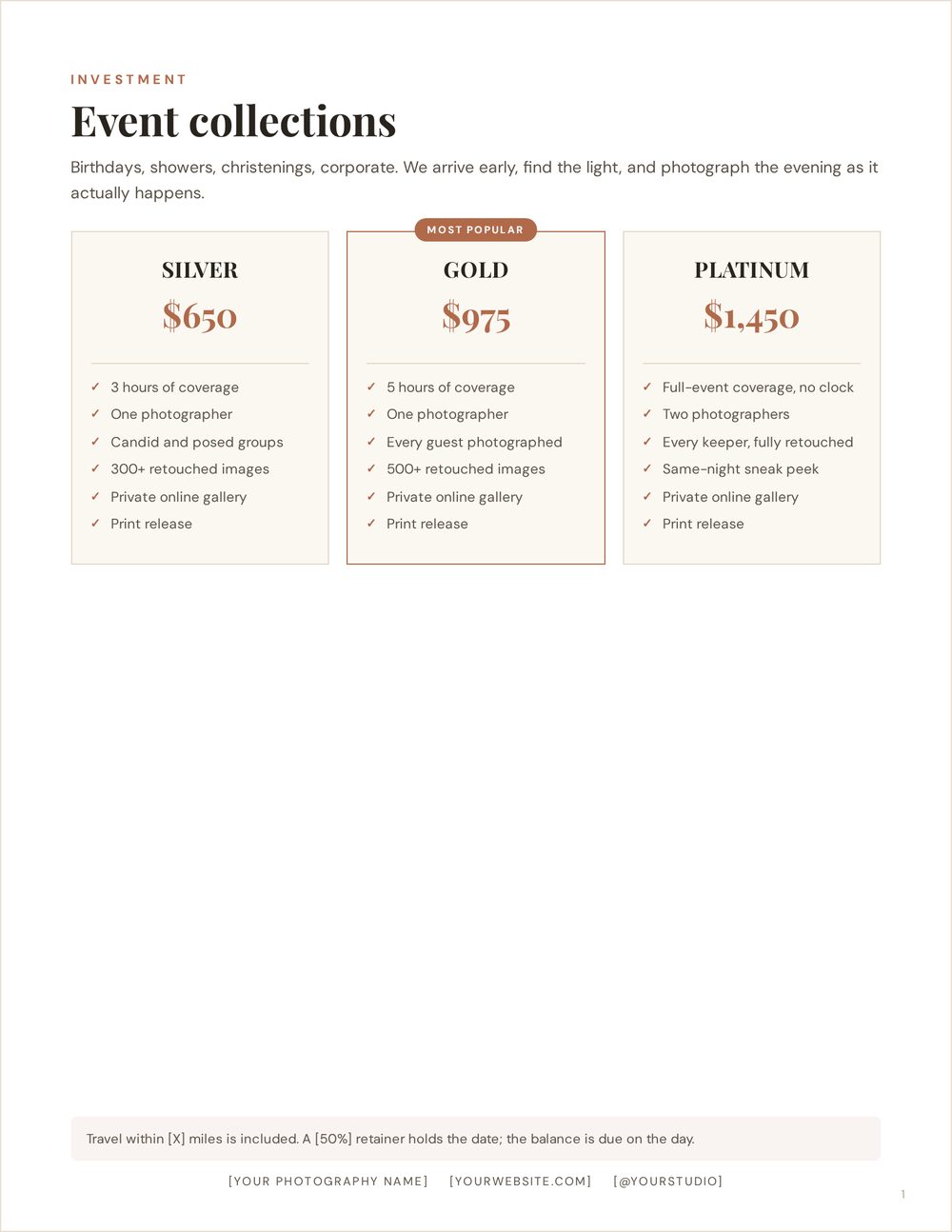
Digital only, or collections with products
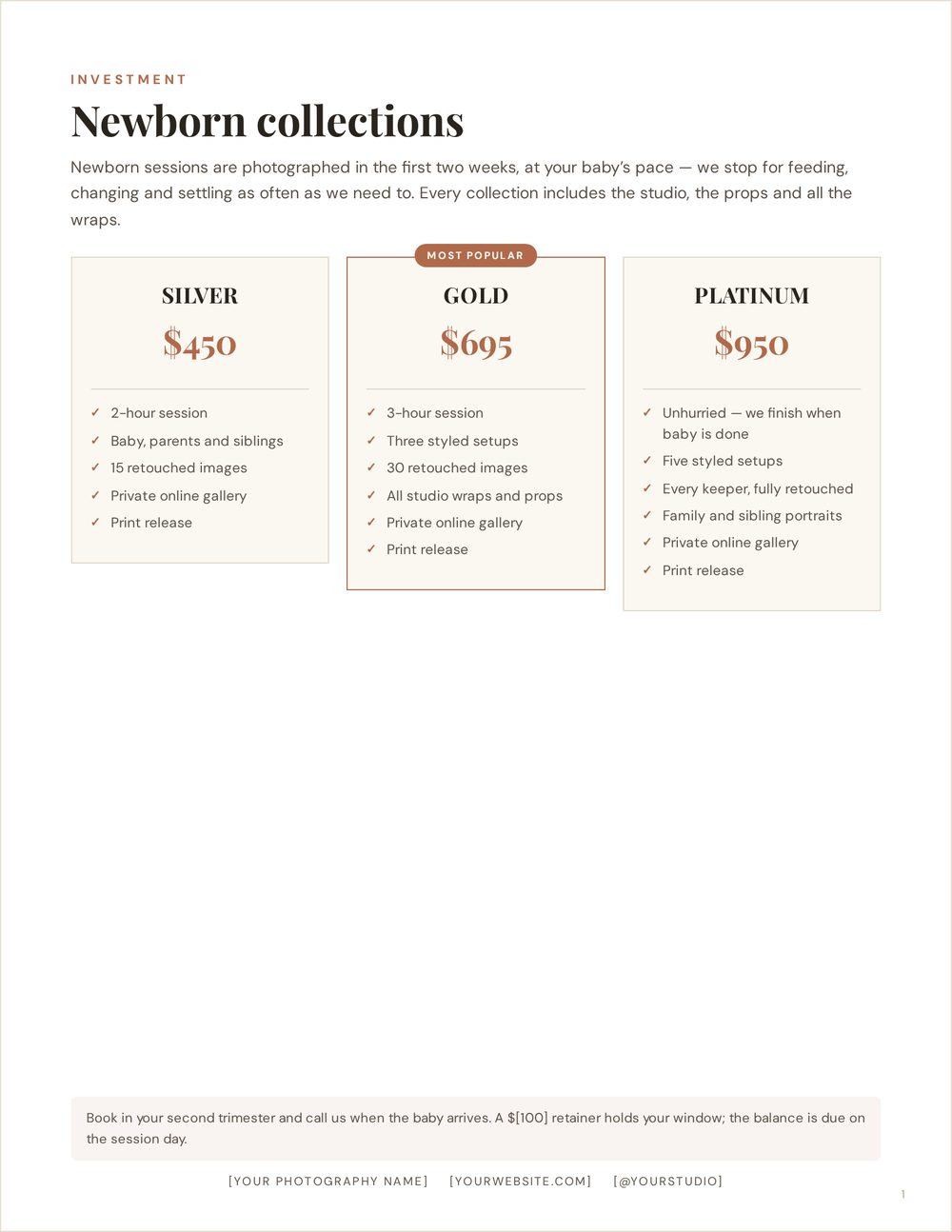
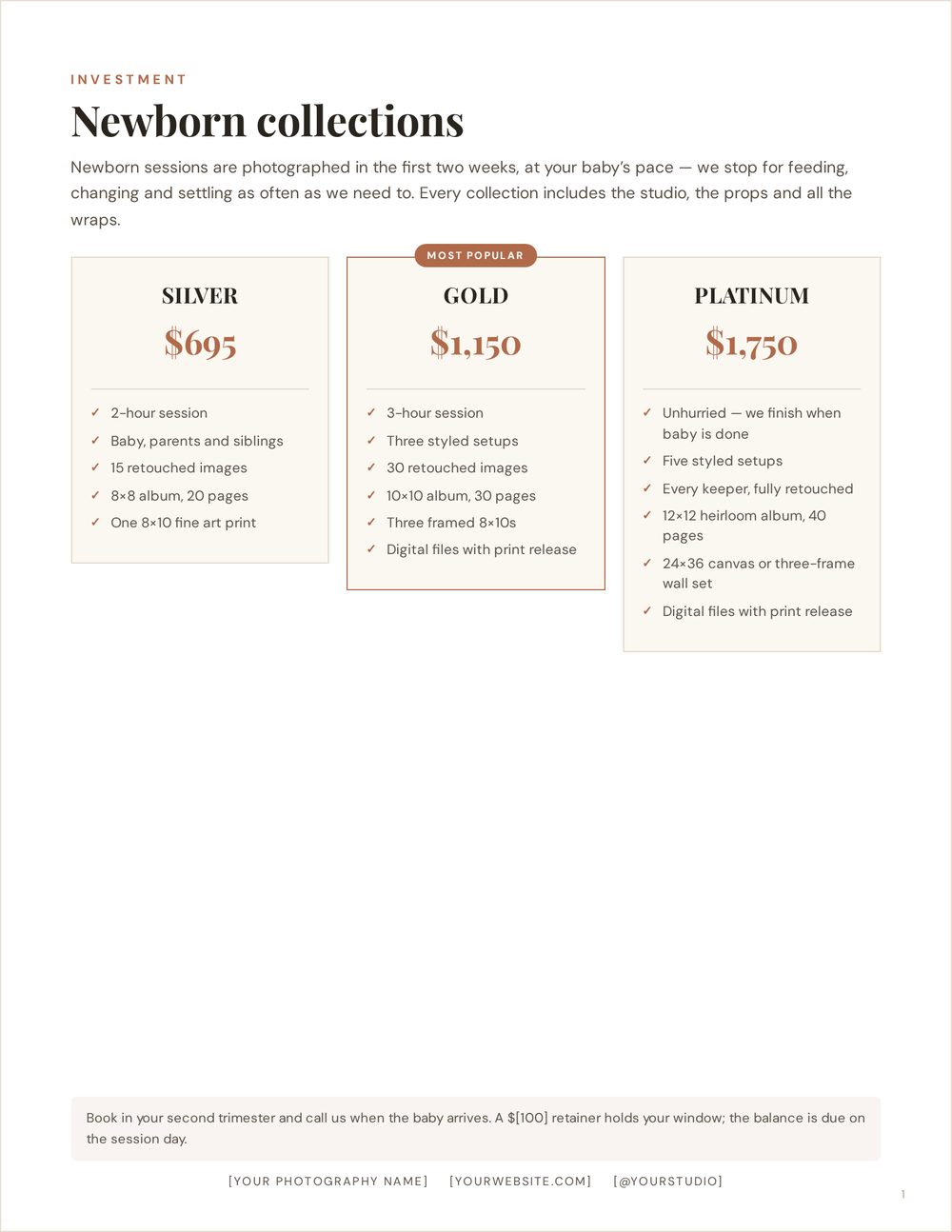
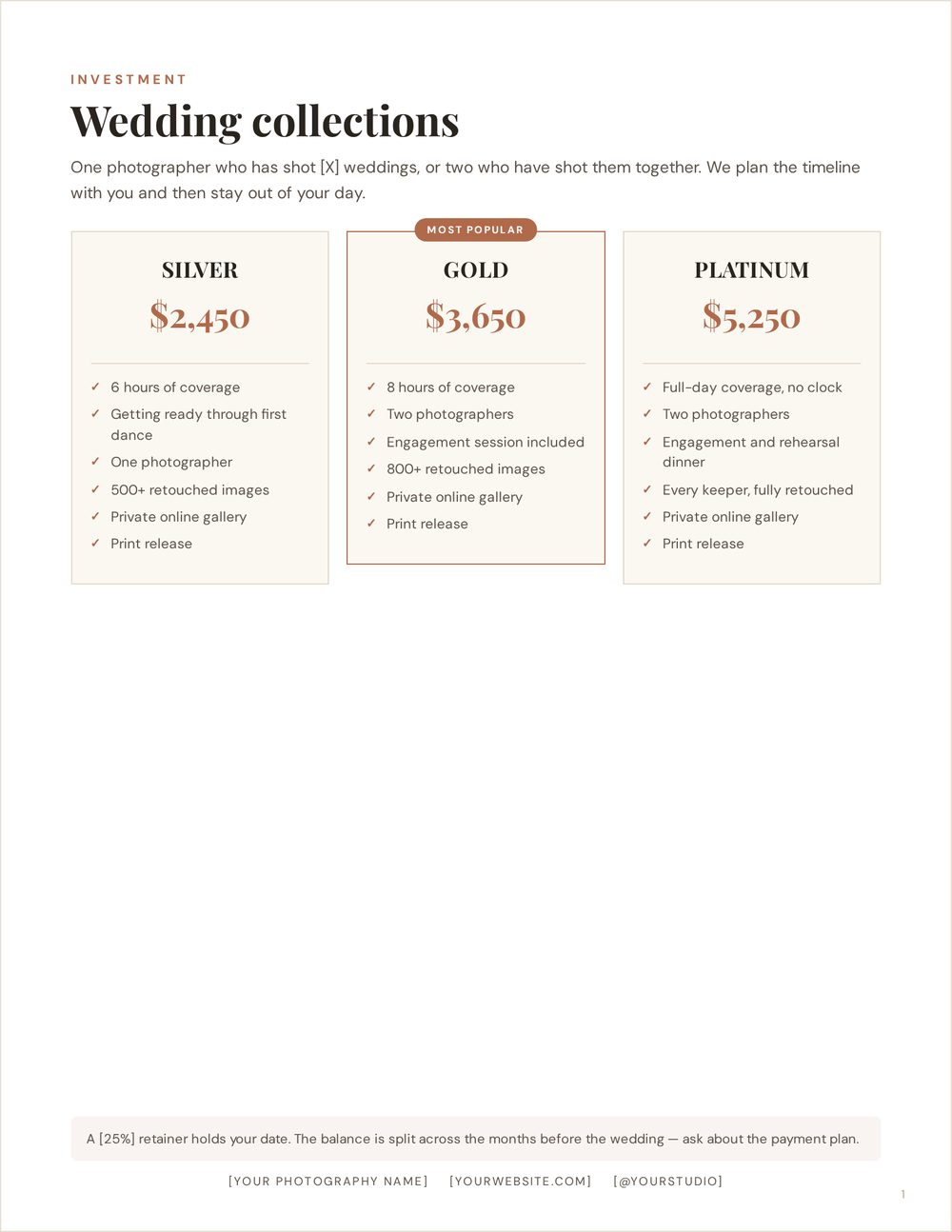
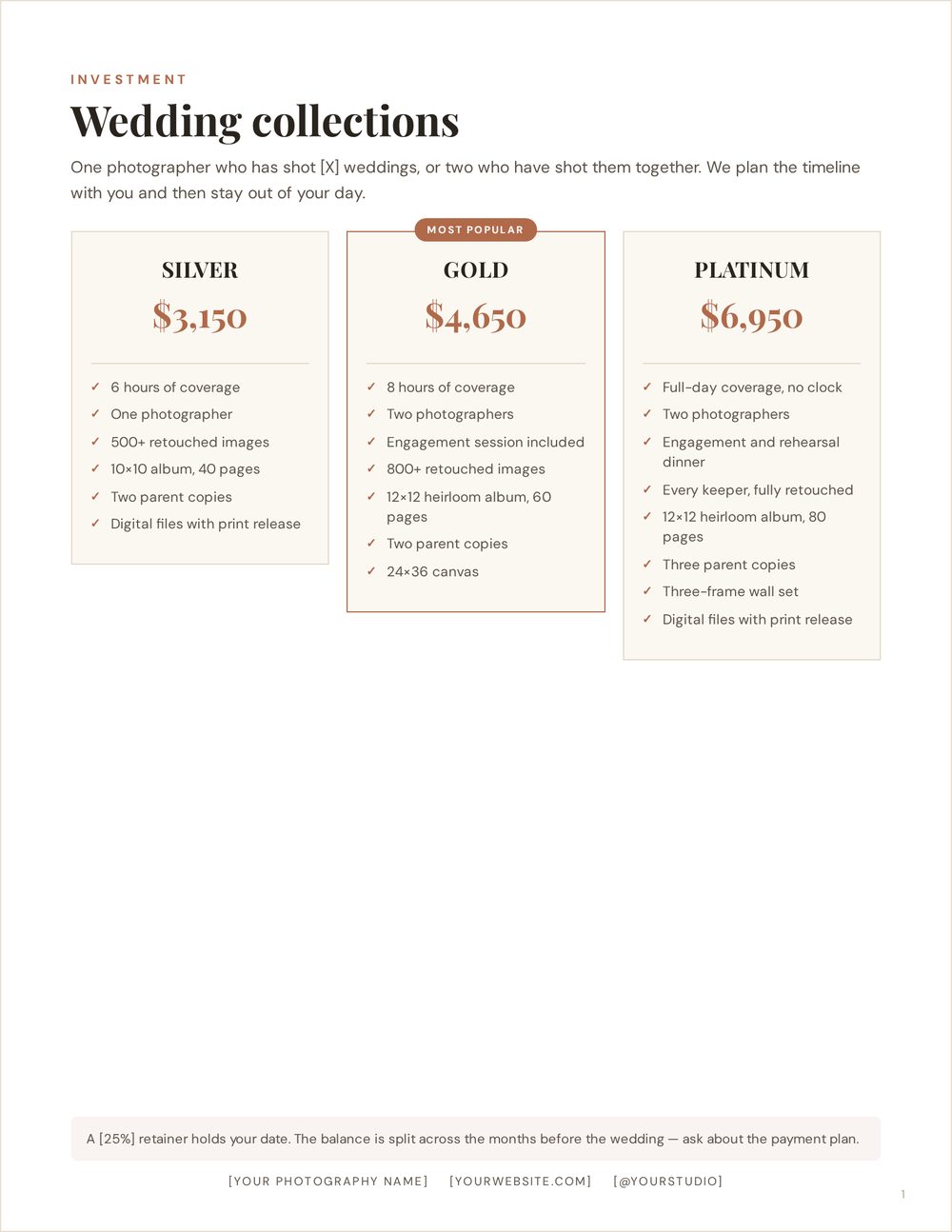
The same session type, the same layout, two different businesses. Digital-only collections sell the session and the files. Product collections put an album, prints and wall art into the tiers and price accordingly — every tier is dearer in the right-hand version.
One toggle switches the whole document, including a six-page guide. It never touches your photos, your page order or anything you have typed over.
Side by side · four session types
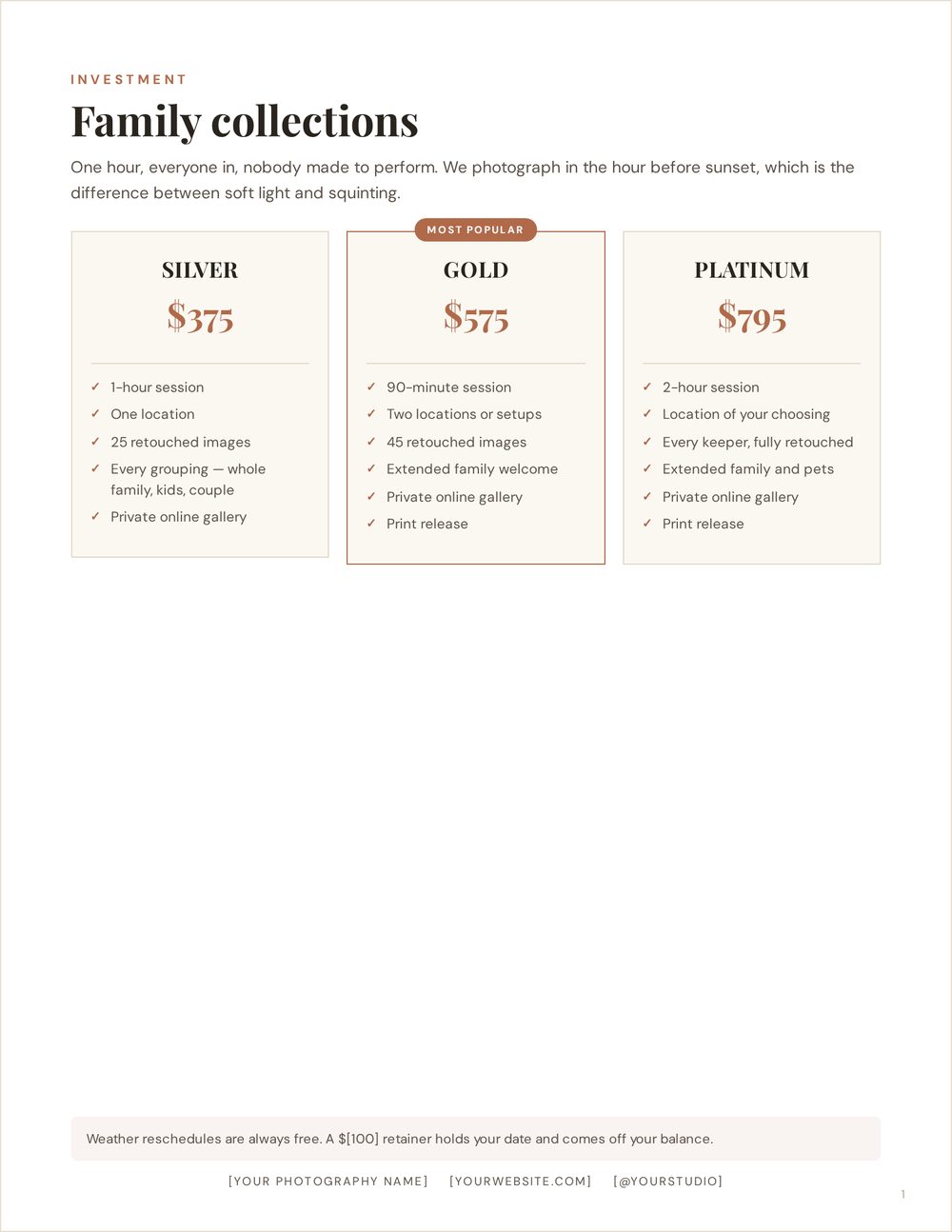
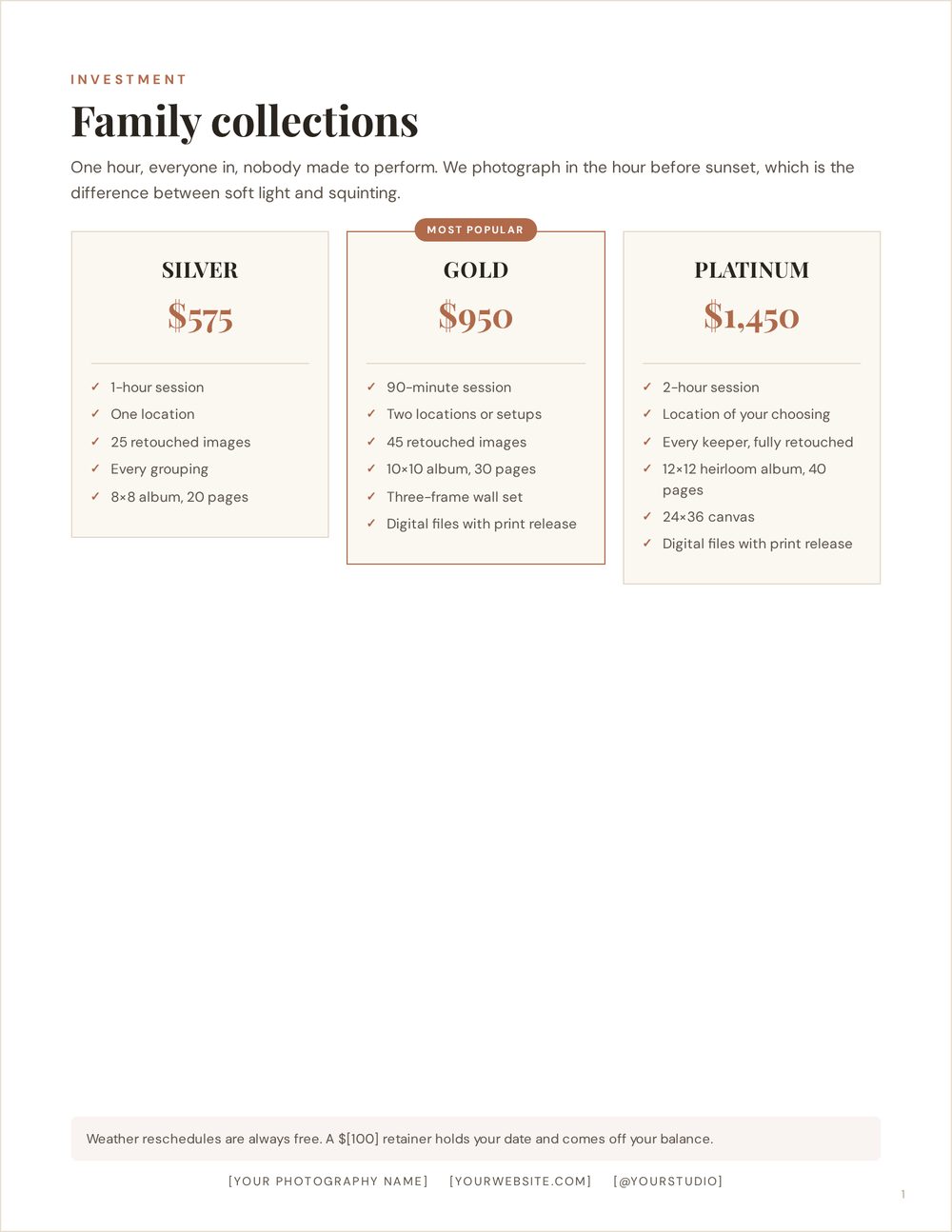
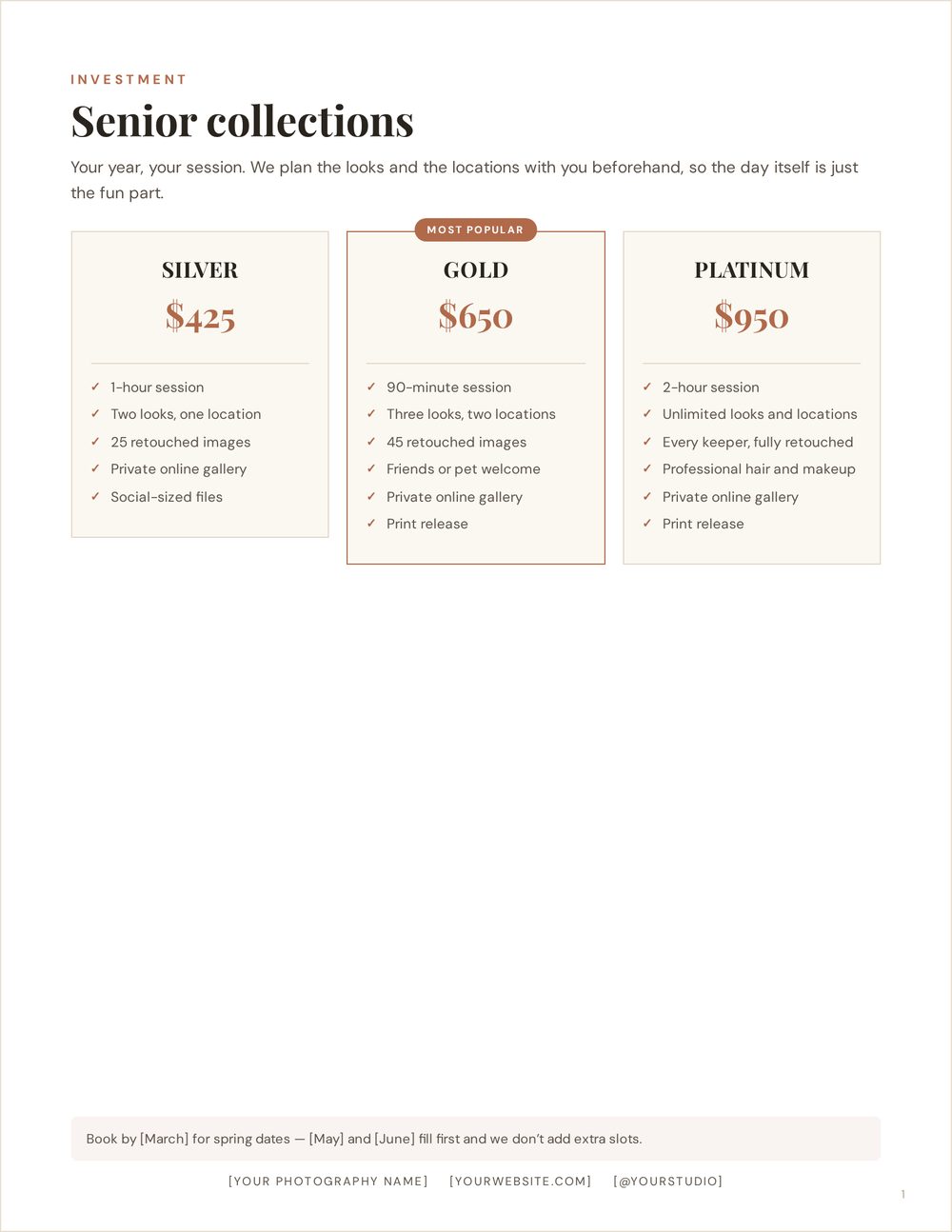
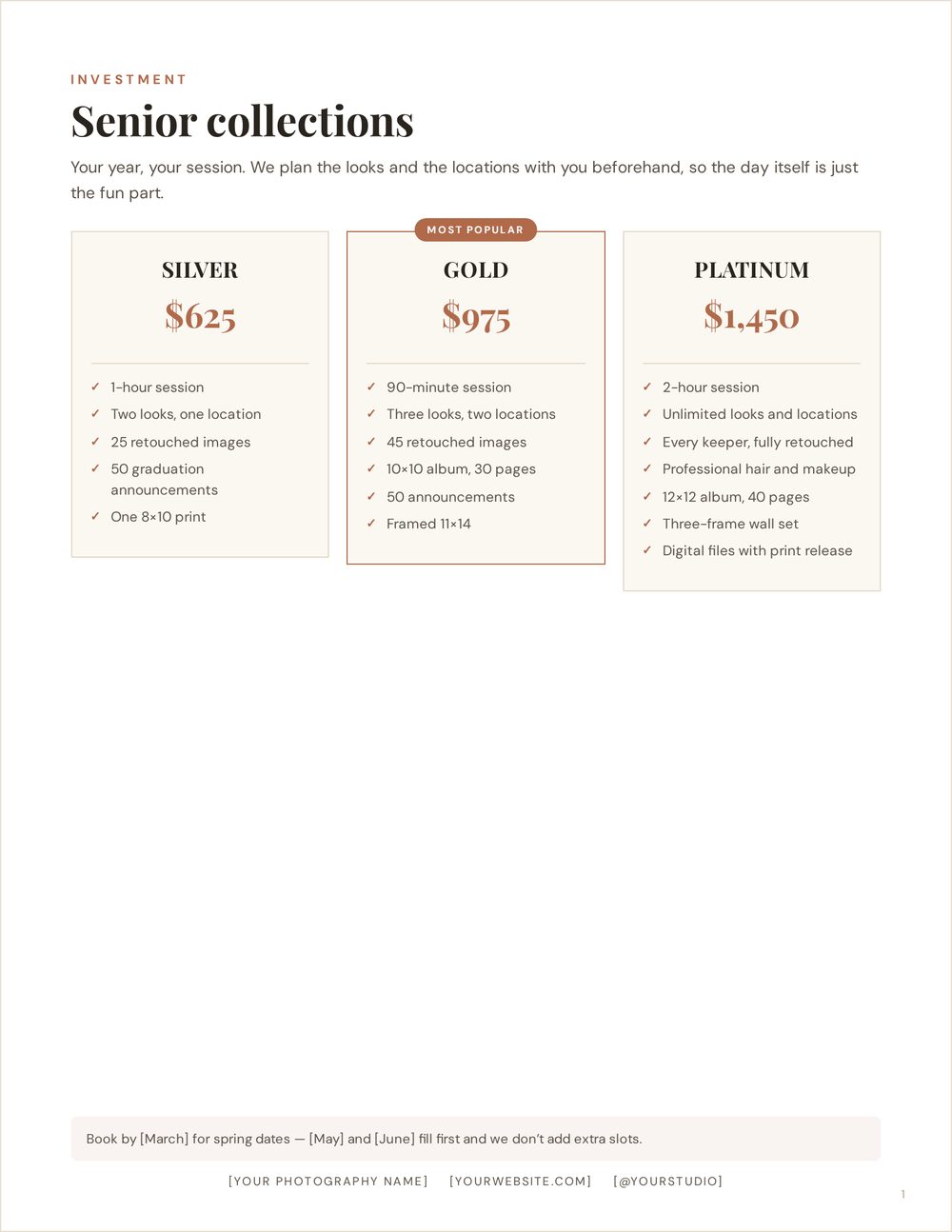
All 17 layouts
A pricing guide is a document, not a poster, so the studio works in pages. Start from a one-page sheet, three tiers, a six-page editorial guide, a high-end collection guide or a print menu — then add, reorder and change pages. Changing a page’s layout carries your typing, your packages and your photos across to the new one.
Shown on US Letter. A4 and 8×10 are one click, and every layout was measured on all three so nothing runs off the paper.
Layouts · US Letter · white, cream, bone and noir paper
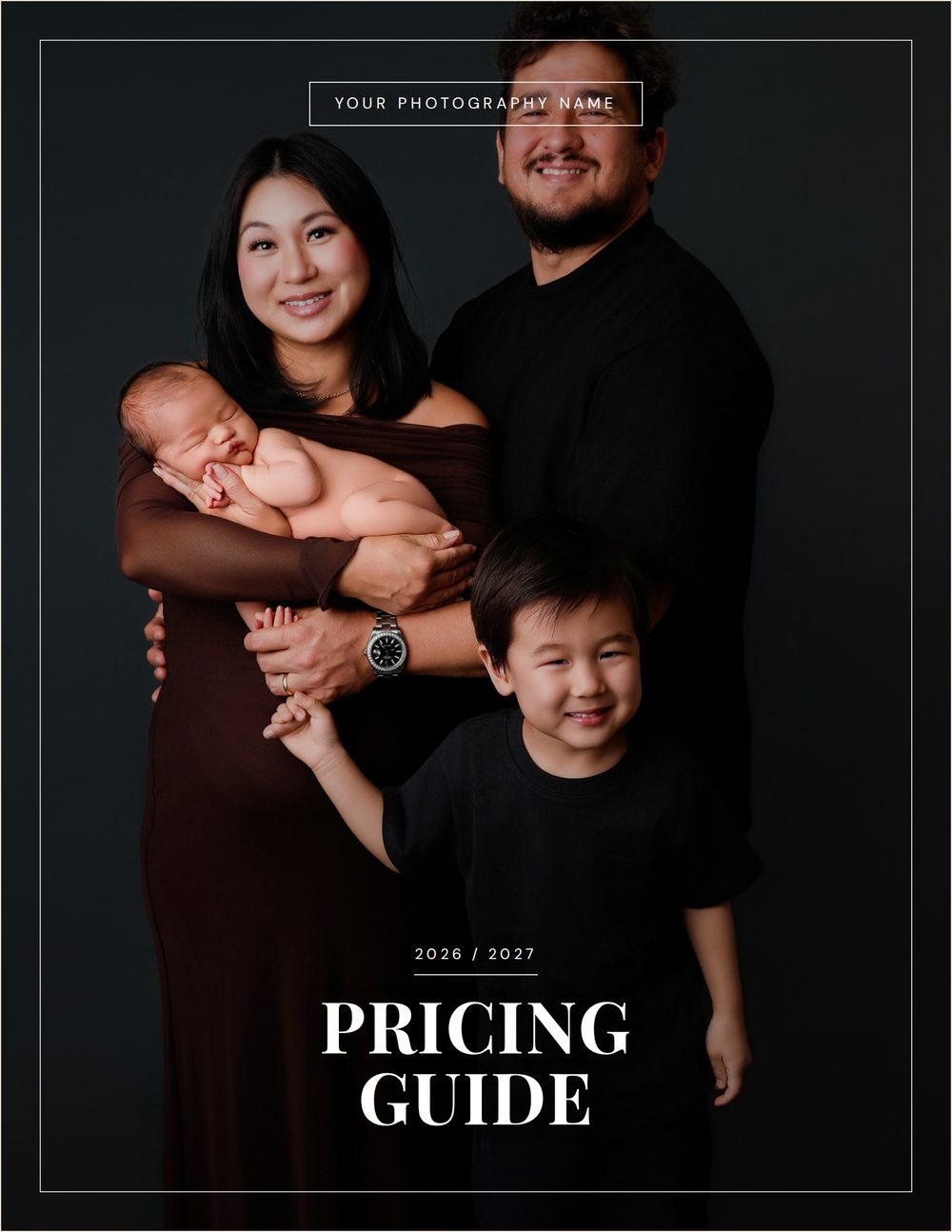
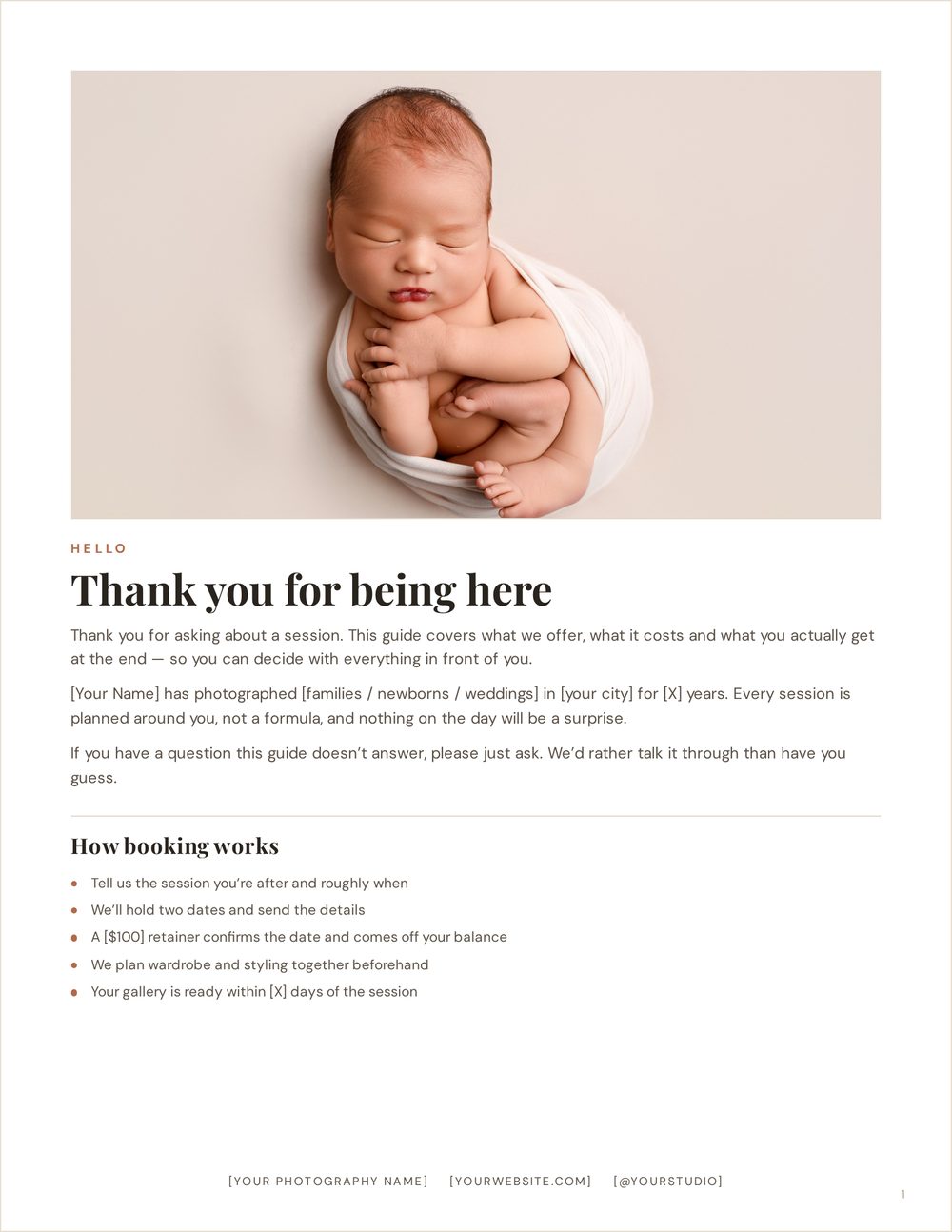
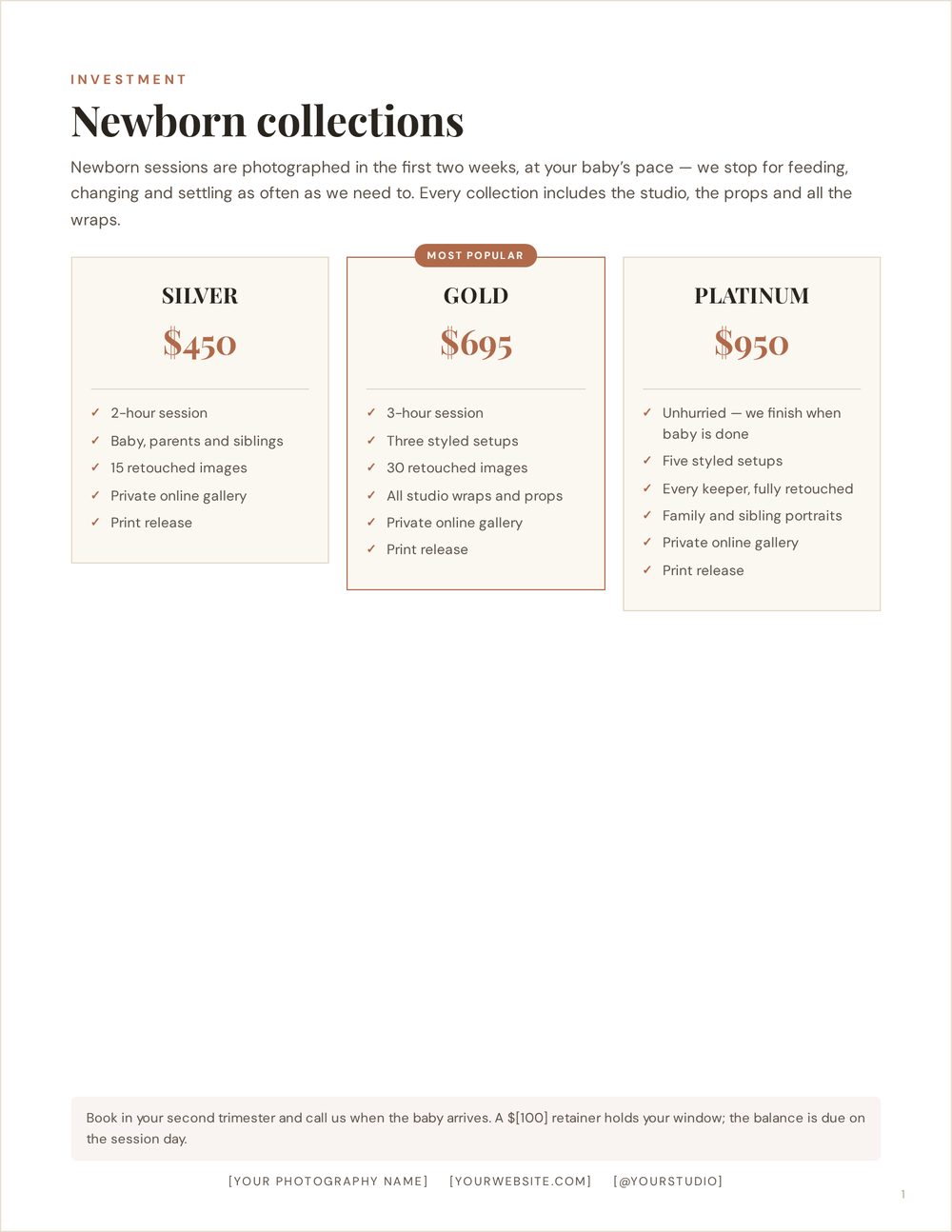
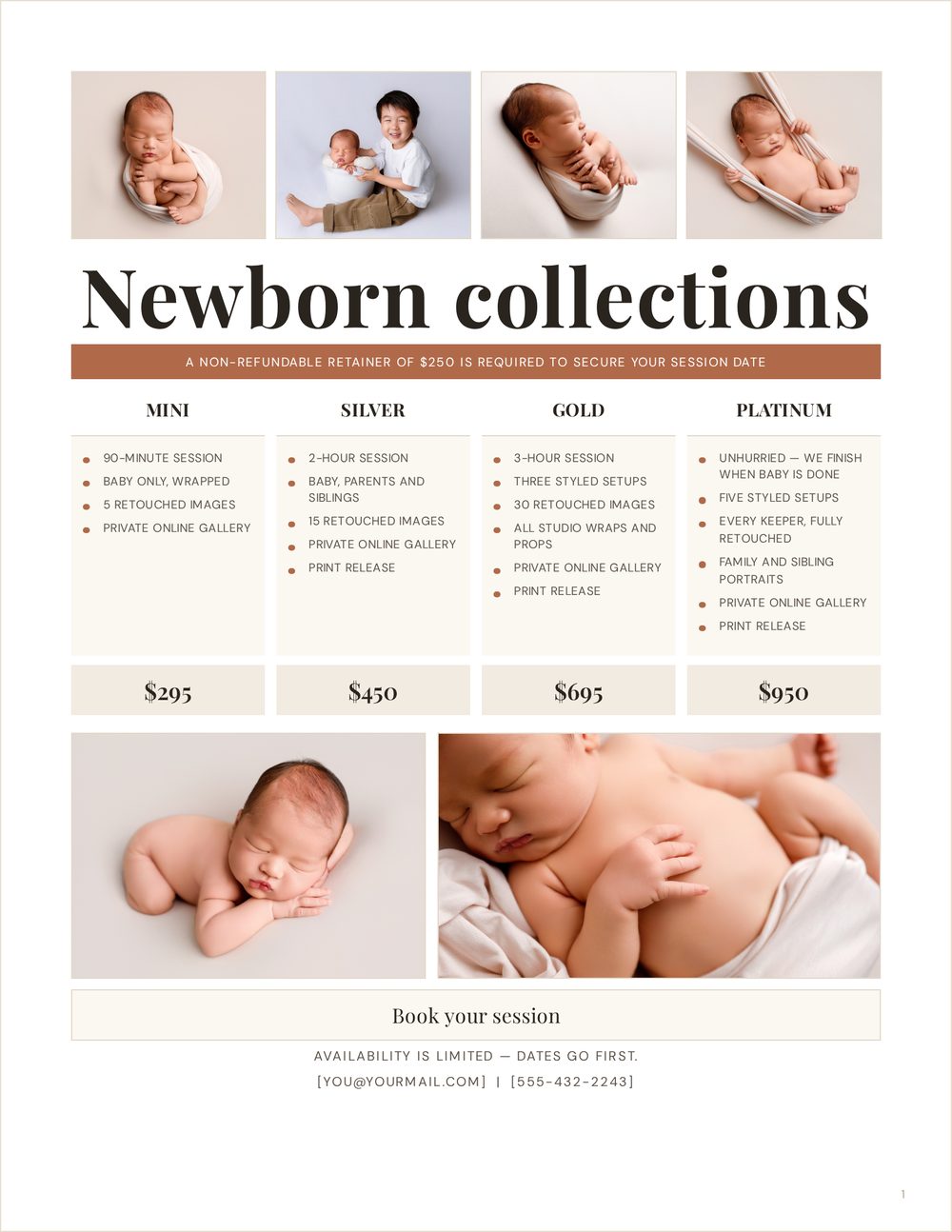
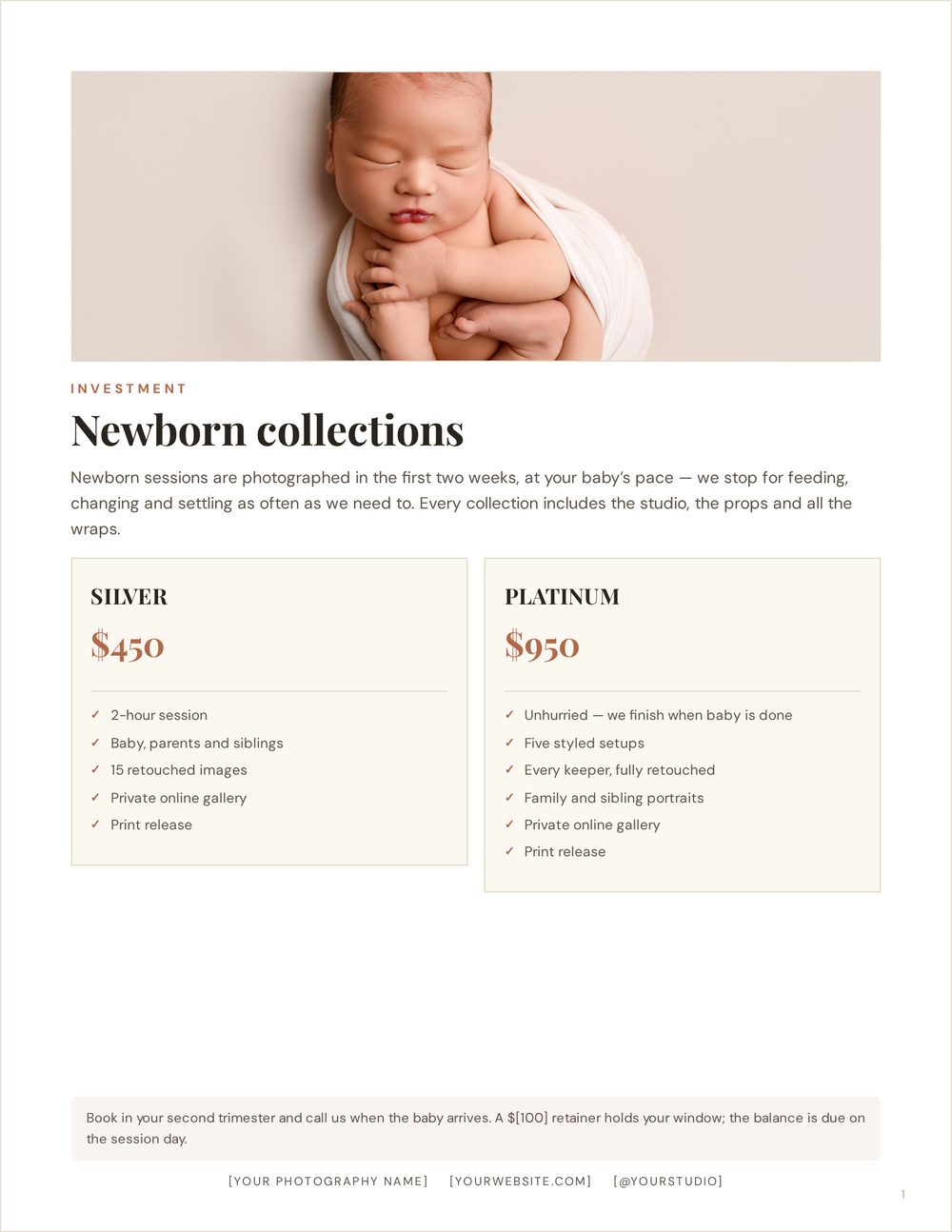
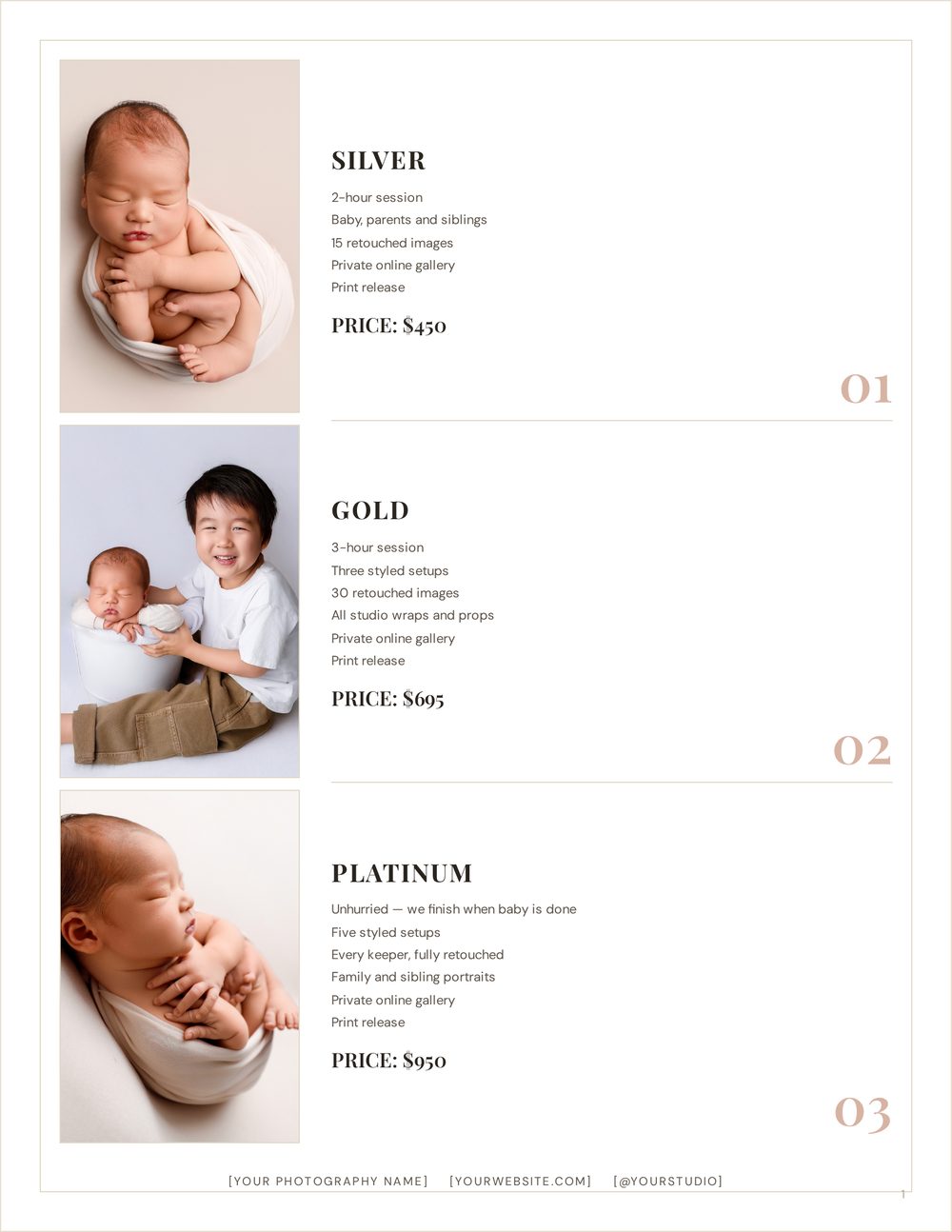
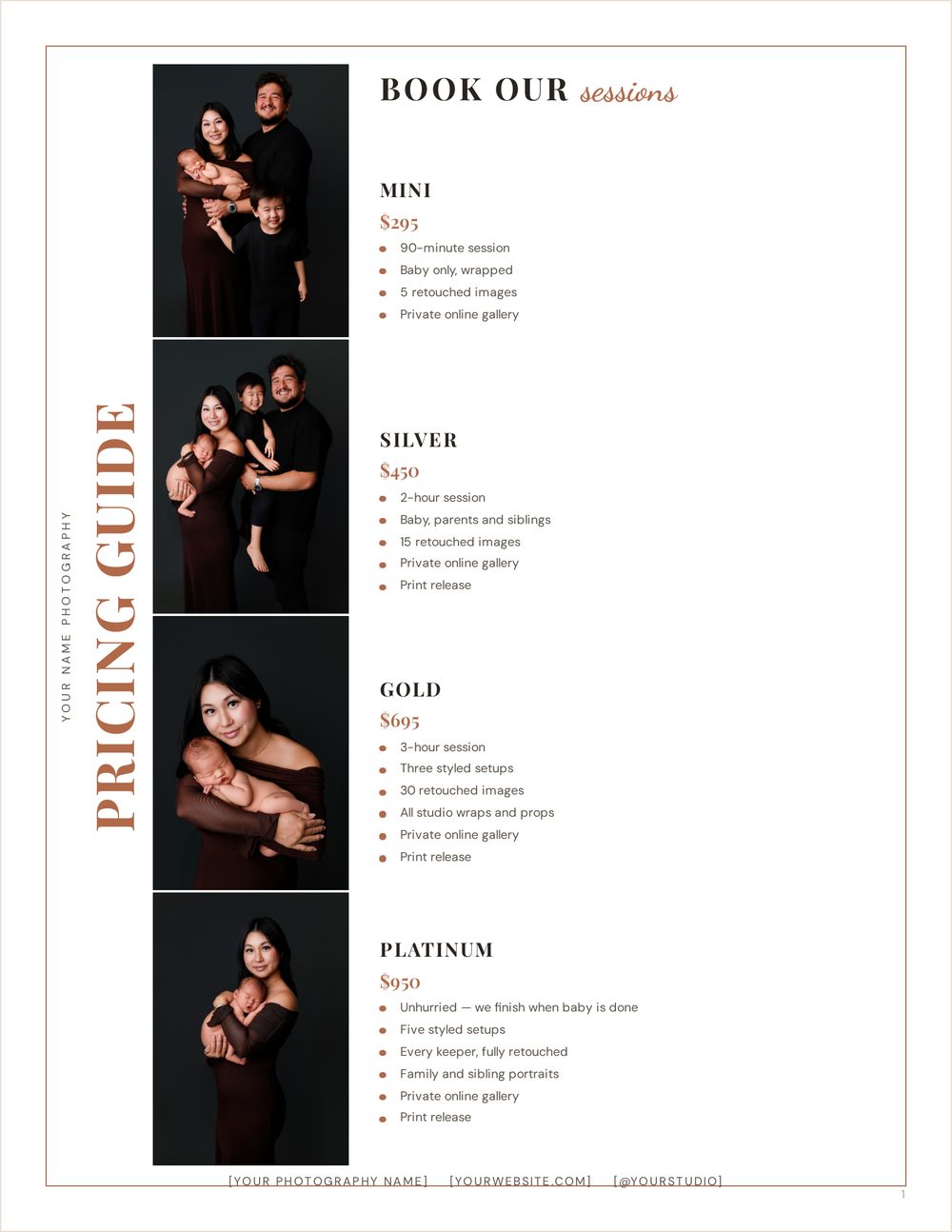
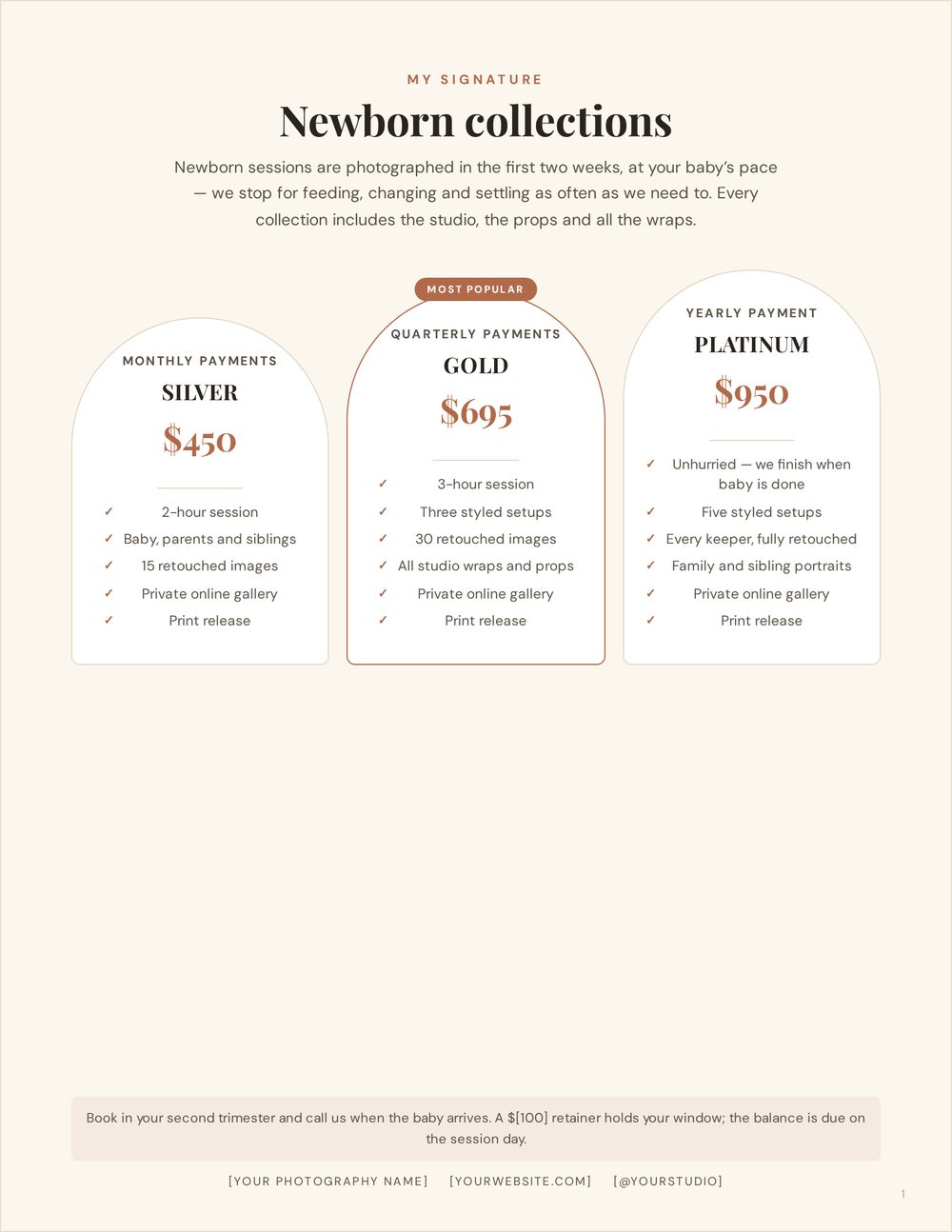
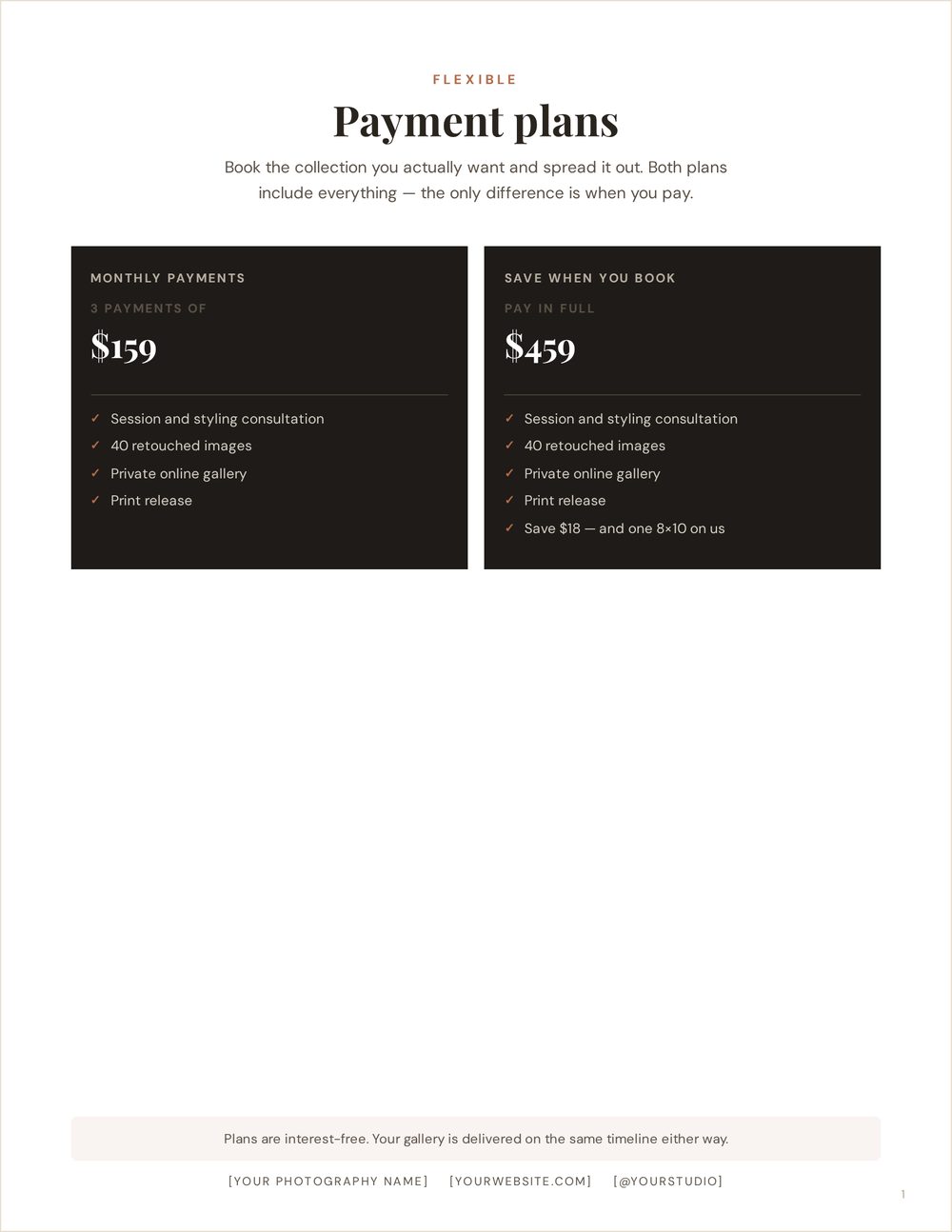
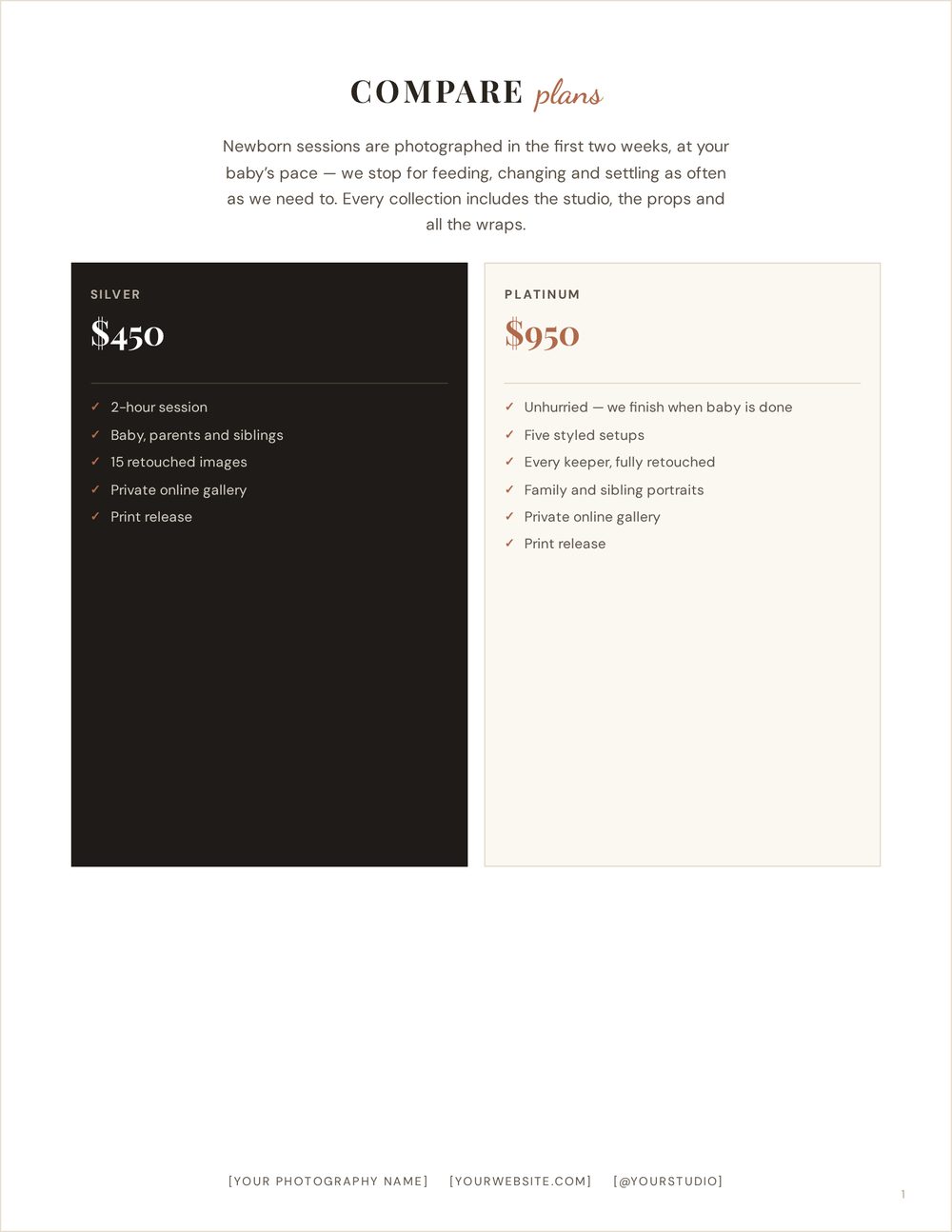
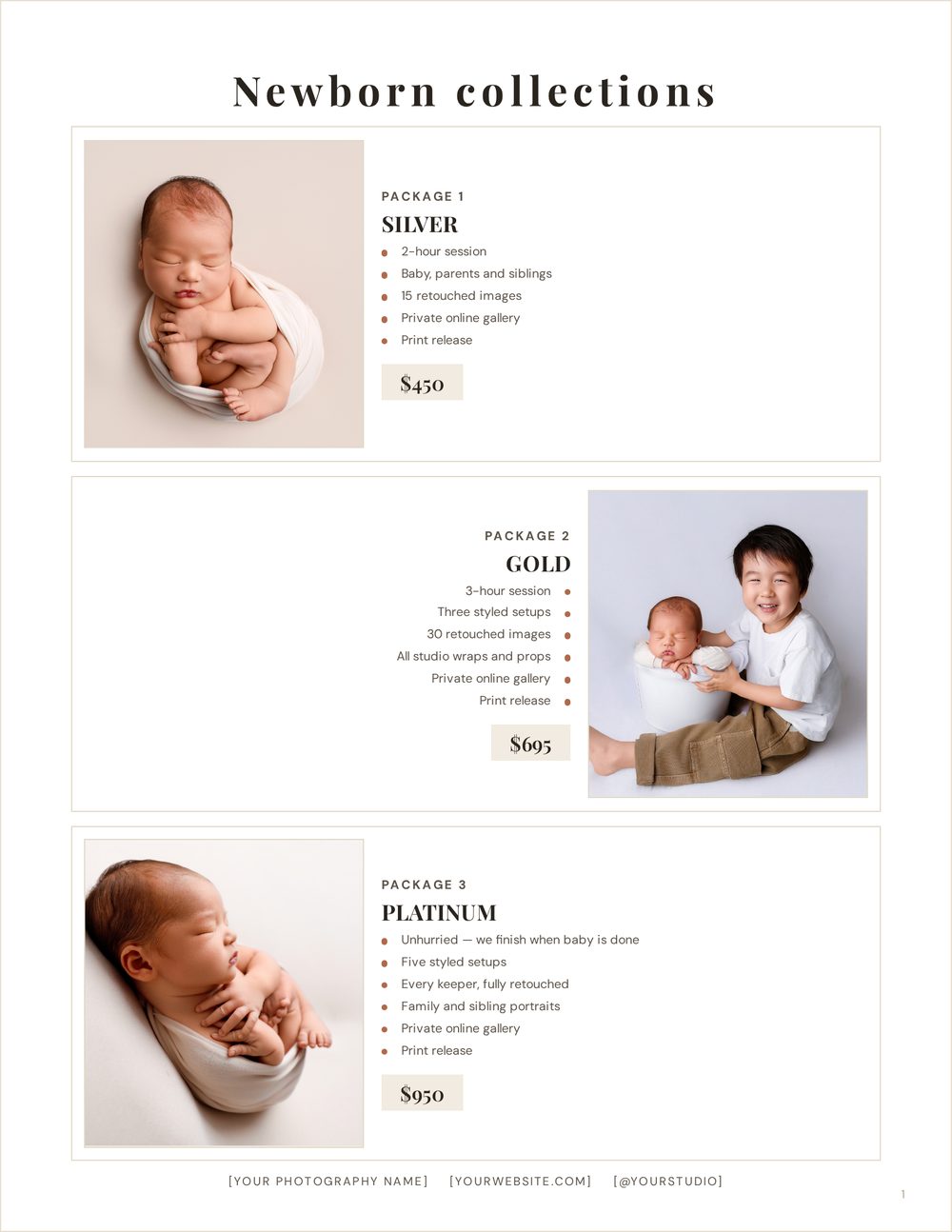
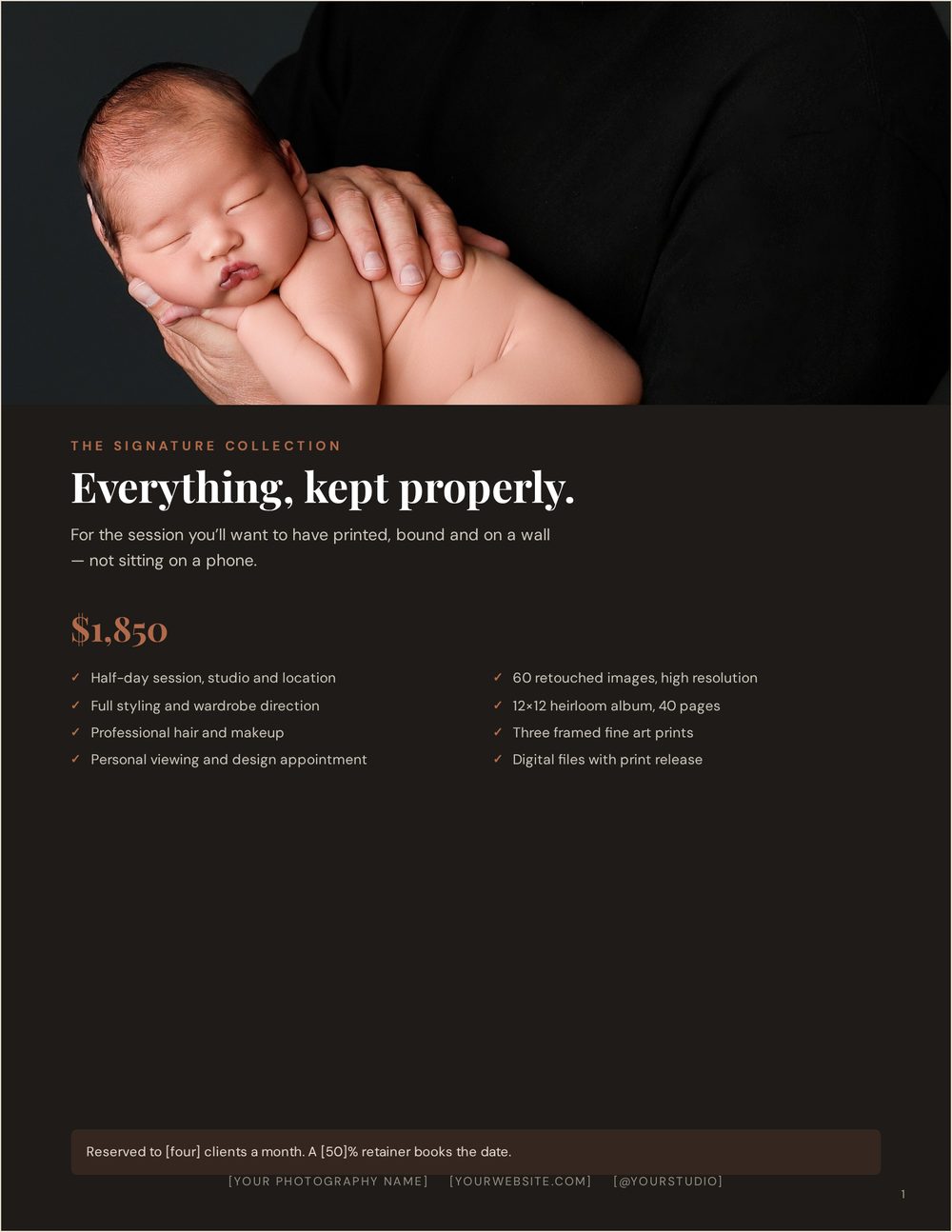
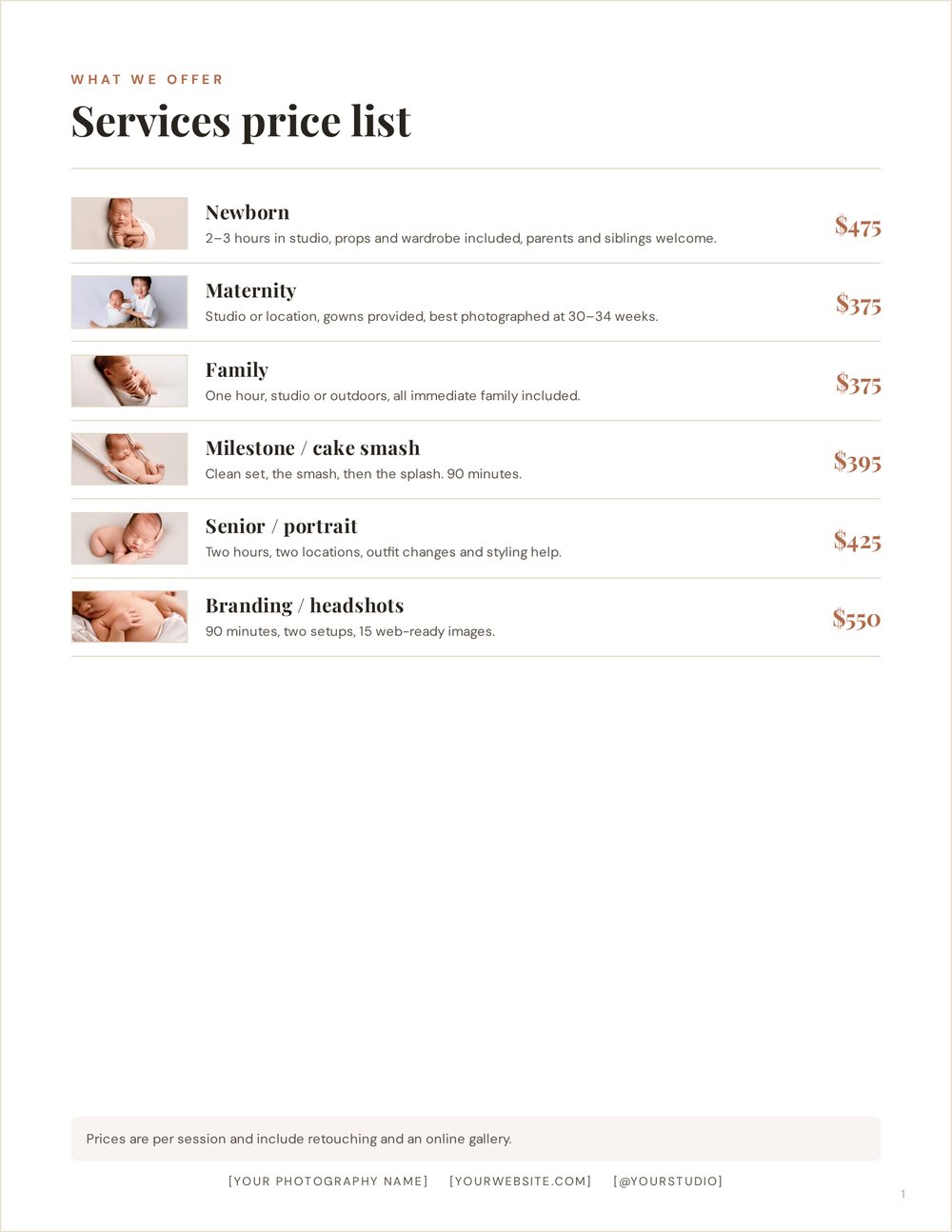
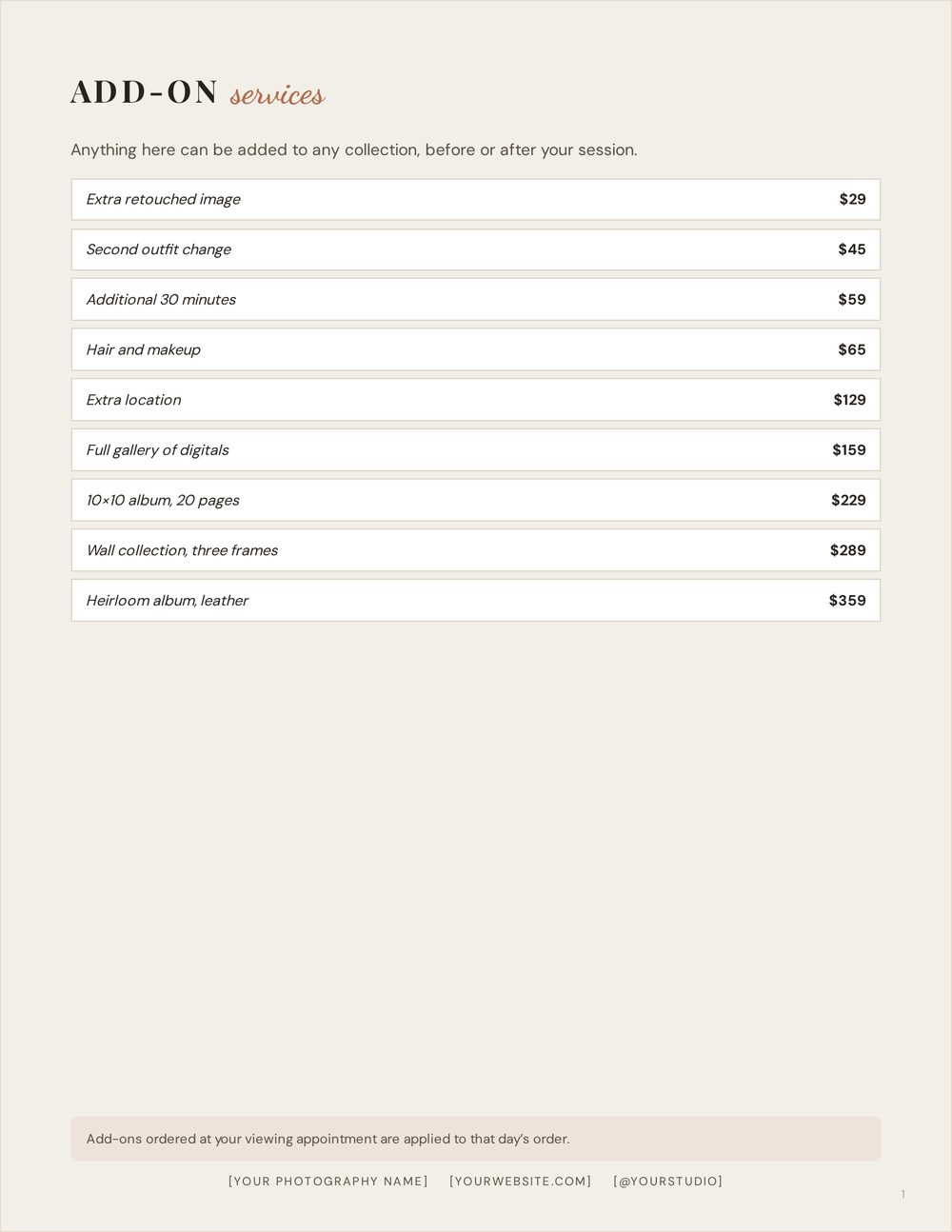
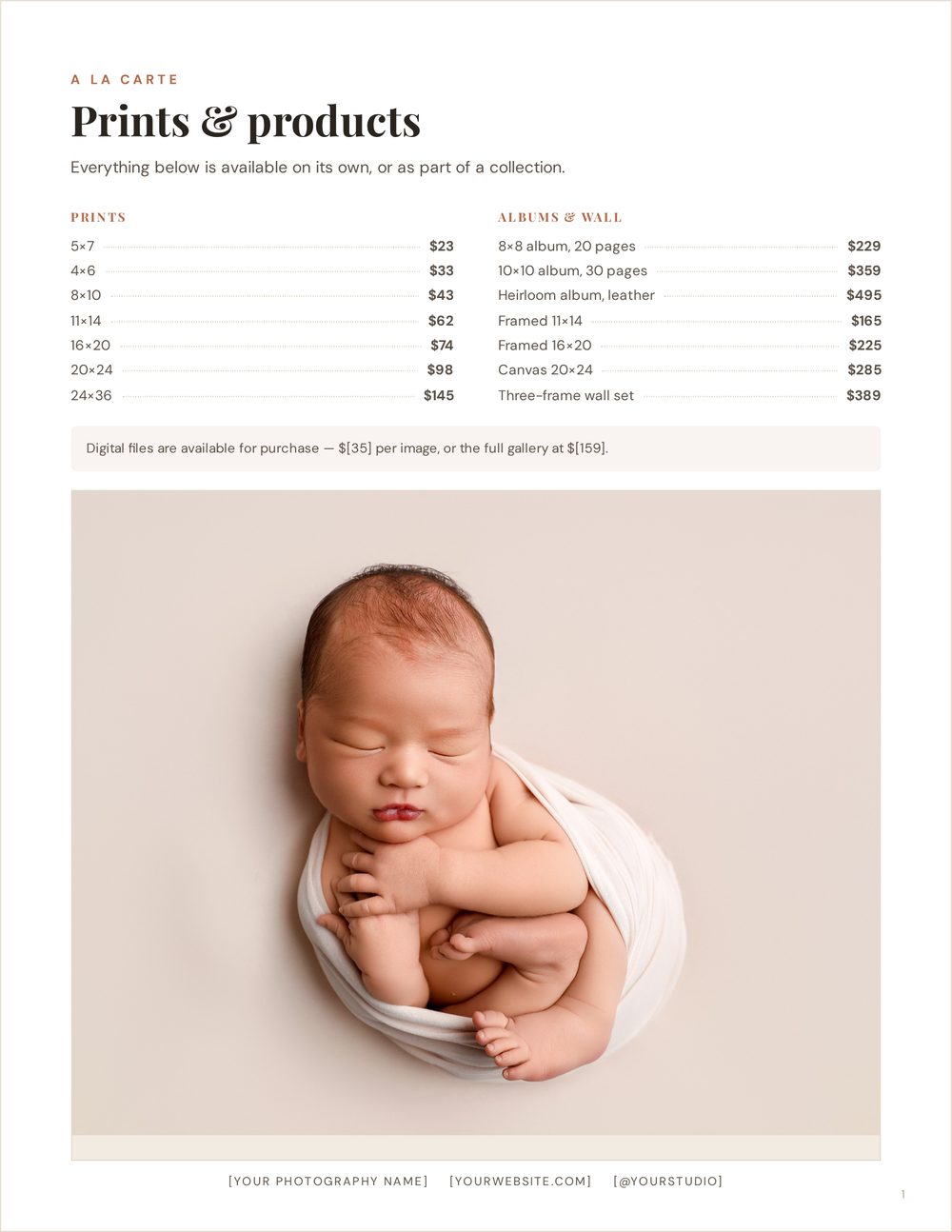
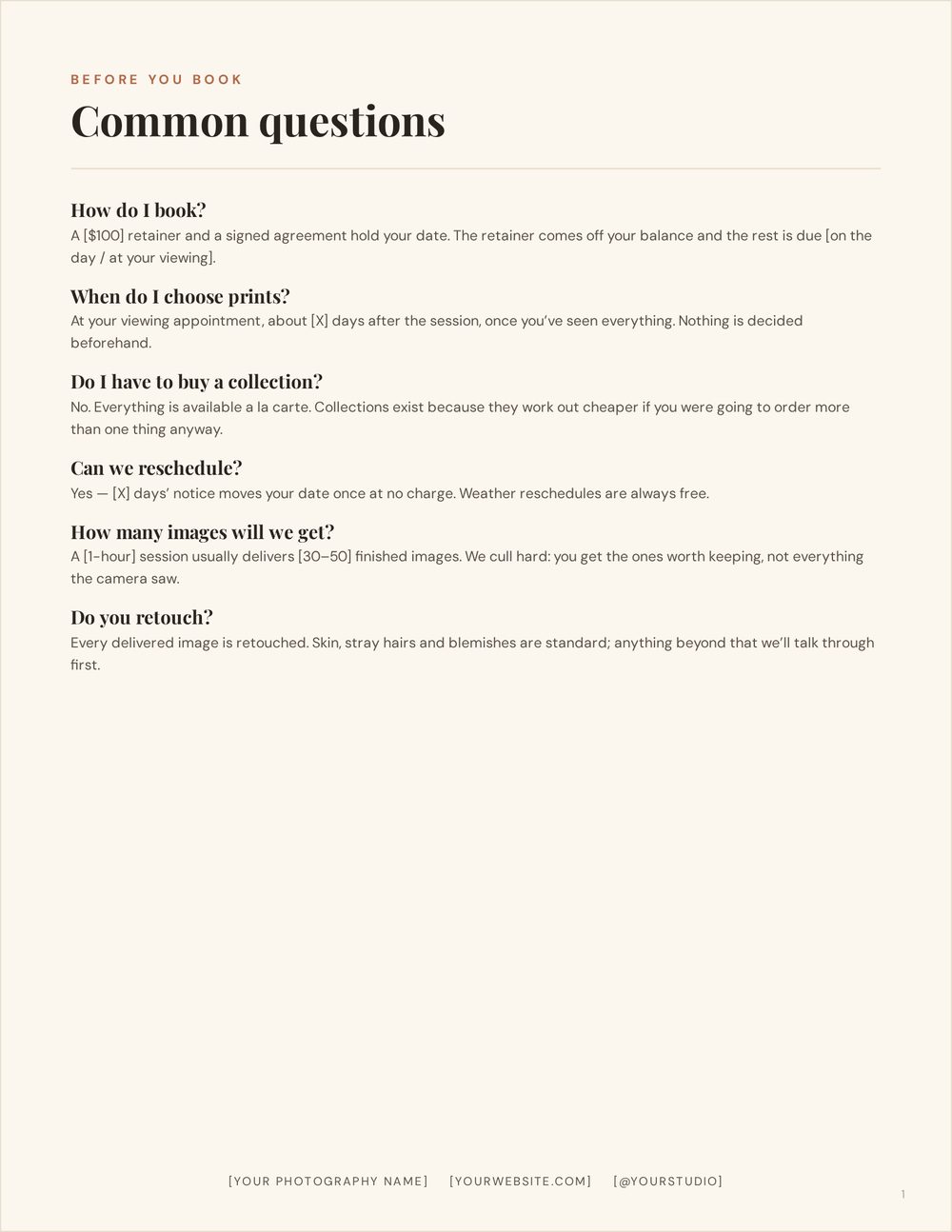
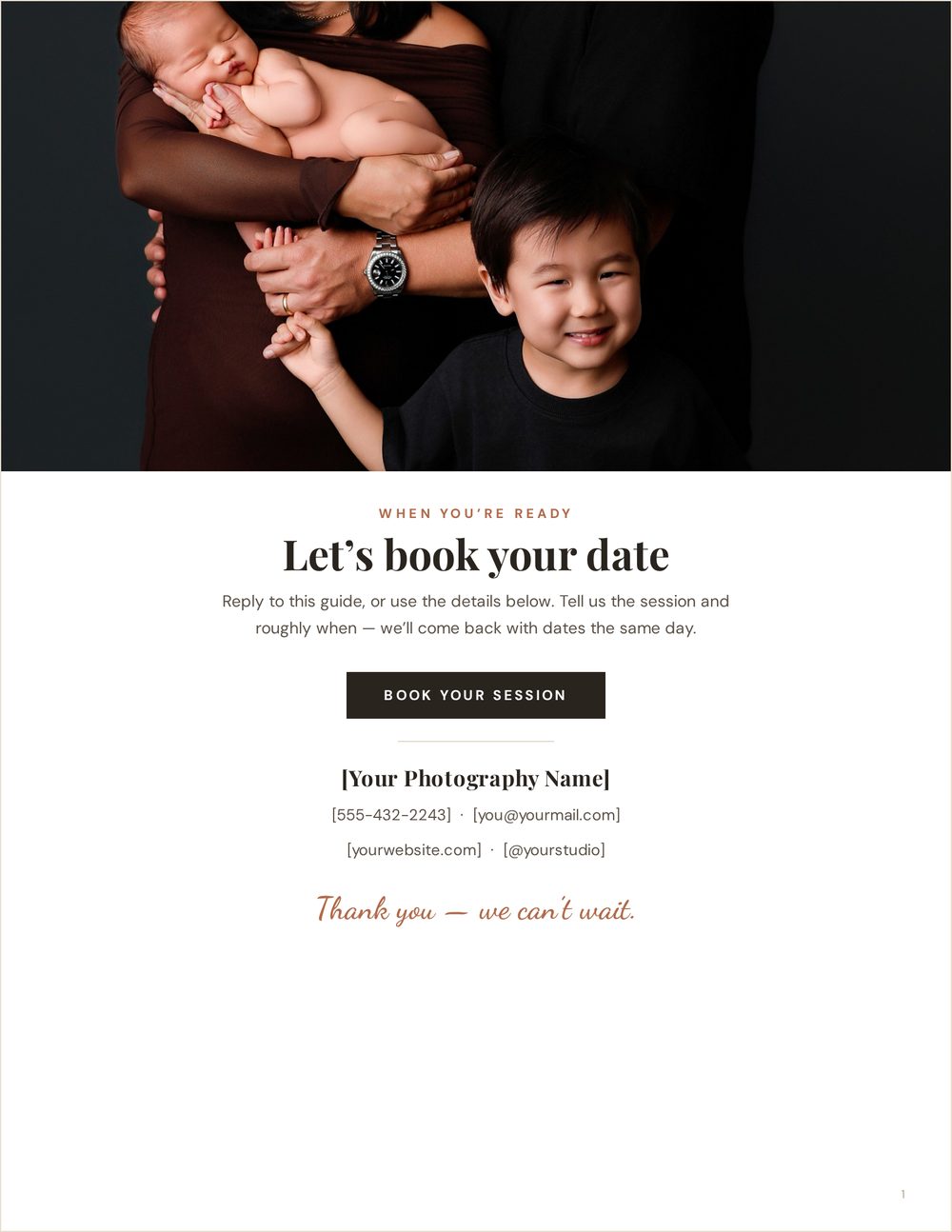
Every sample on this page was produced by the Pricing Studio itself, at export resolution, with no outside editing. Photography by Ana Brandt. Your own photos, studio name, prices and brand colour flow into all of these the same way.